

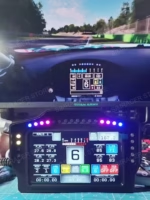
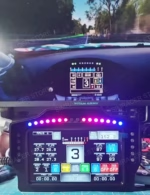

SPECIFICATIONS
Applicable Equipment: PC
Brand Name: GSF
Compatible Platforms: PC
Connection: Wired
Connection Method: Wired
Console/System: Windows 7-11
Force Feedback: No
High-concerned chemical: None
Lighting: Yes
Maximum Rotation Angle: 360°
Mobile App: No
Model Number: WK-70DG
Origin: Mainland China
PC driver: Need
Power Supply Mode: Wired Power Supply
Product Dimensions: 215*140*27.5 mm
Reminder: If you need SIMHUB light effect file, please contact customer and leave your email address Or download via Google Cloud Link
Screen size: 7-inch
Shift Mode: Gear Shifter
With Pedal Set: No
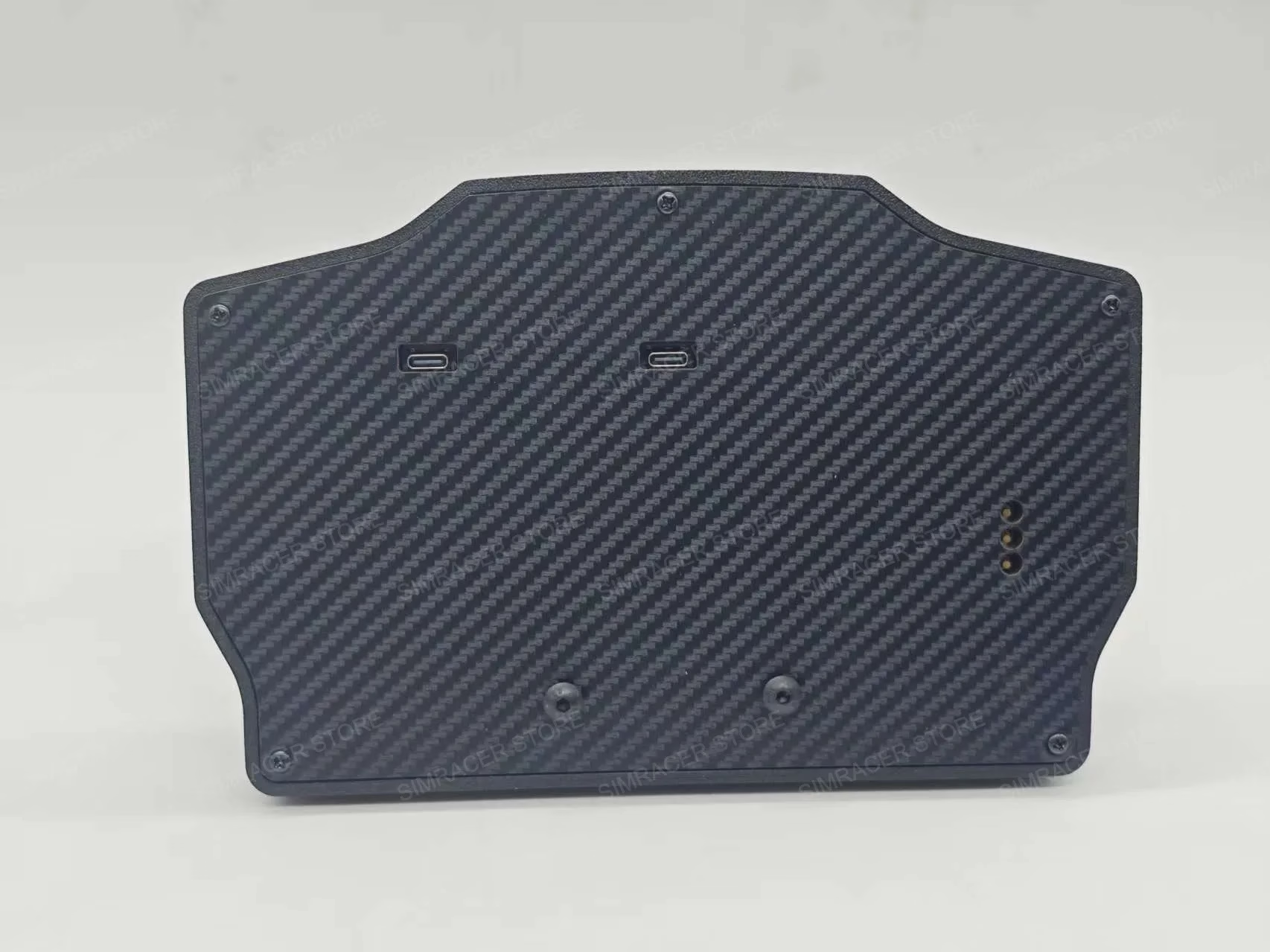
With USB: Yes

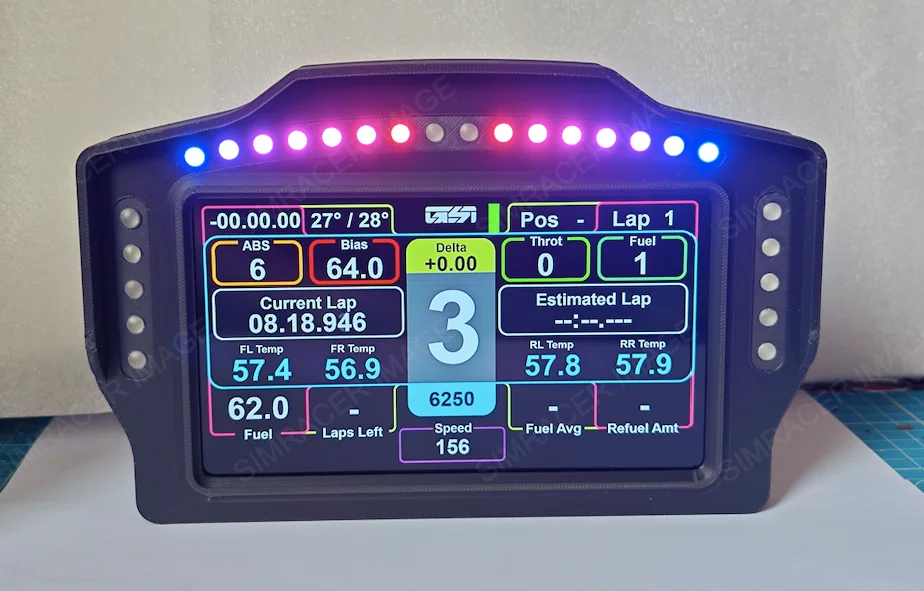
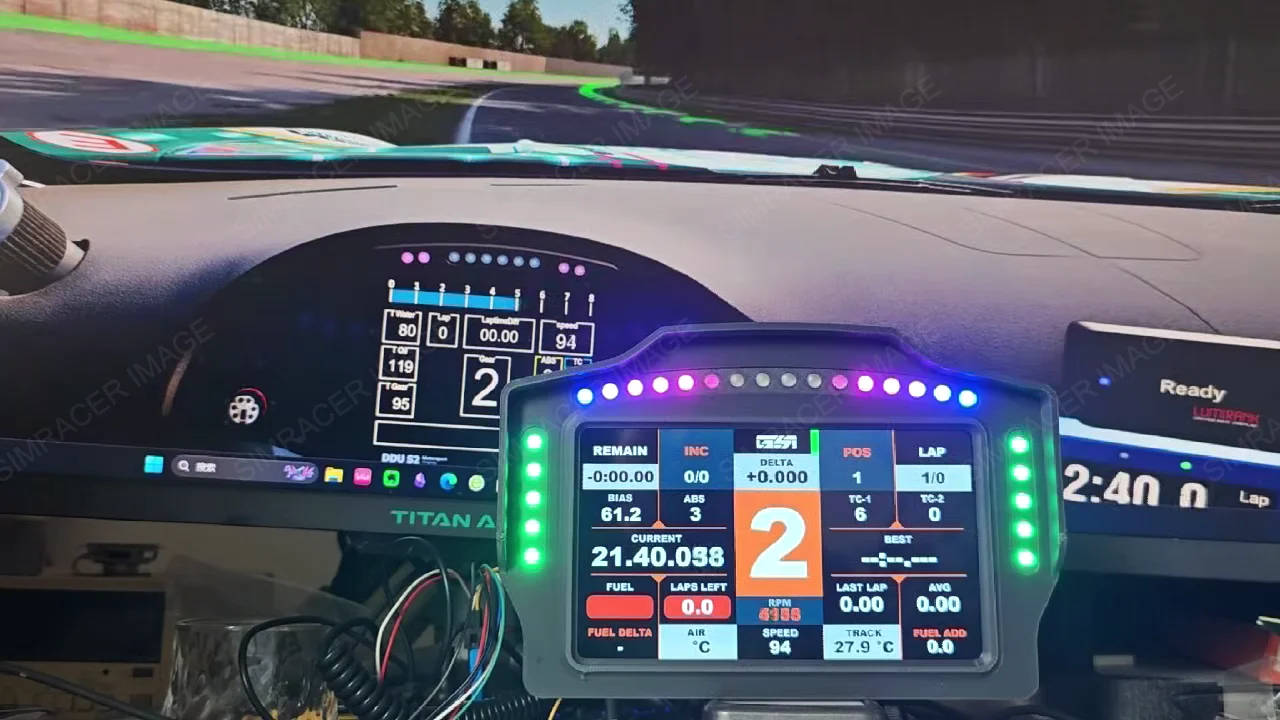
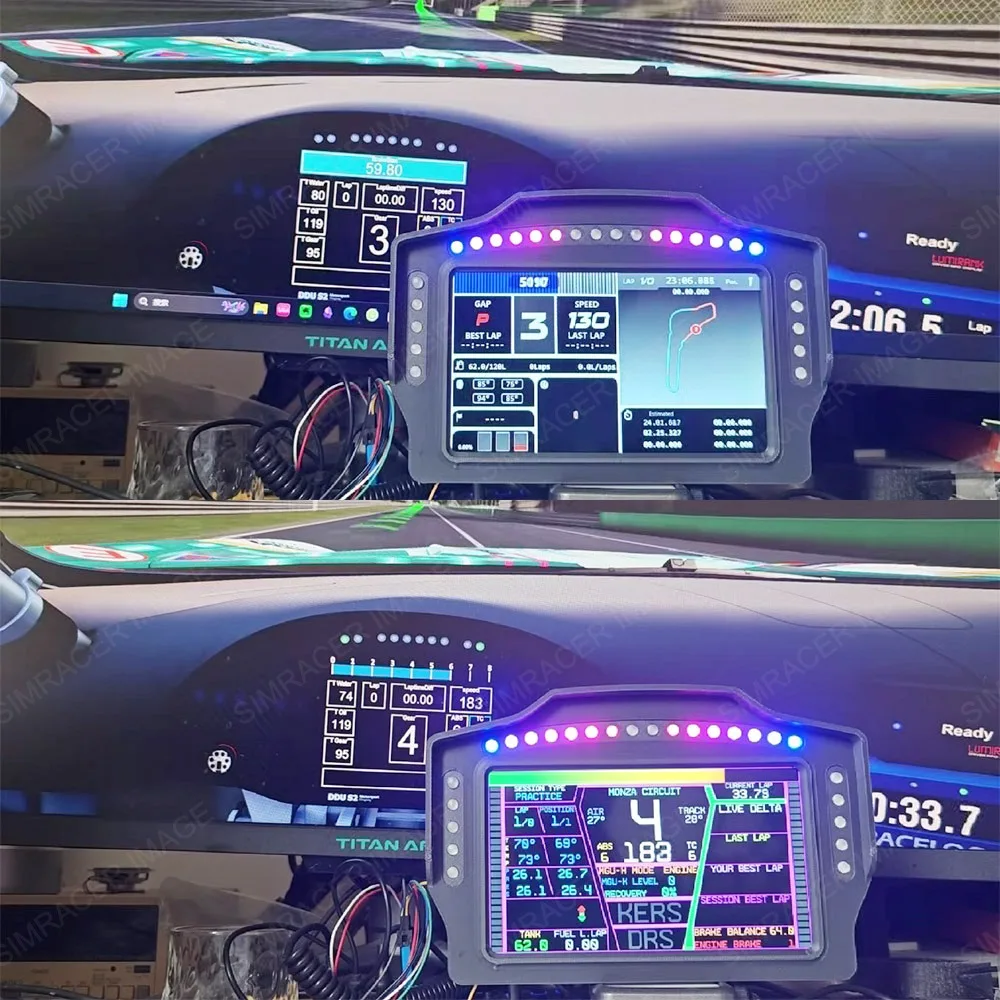
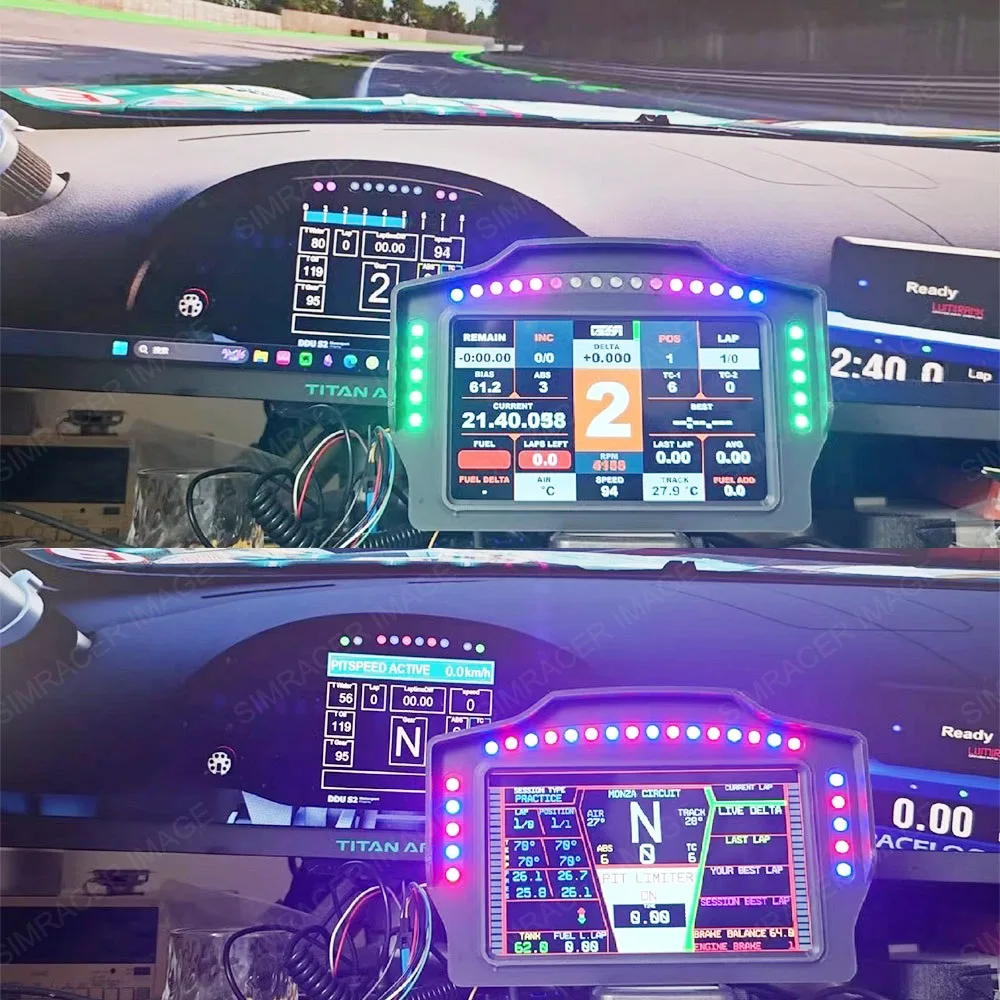
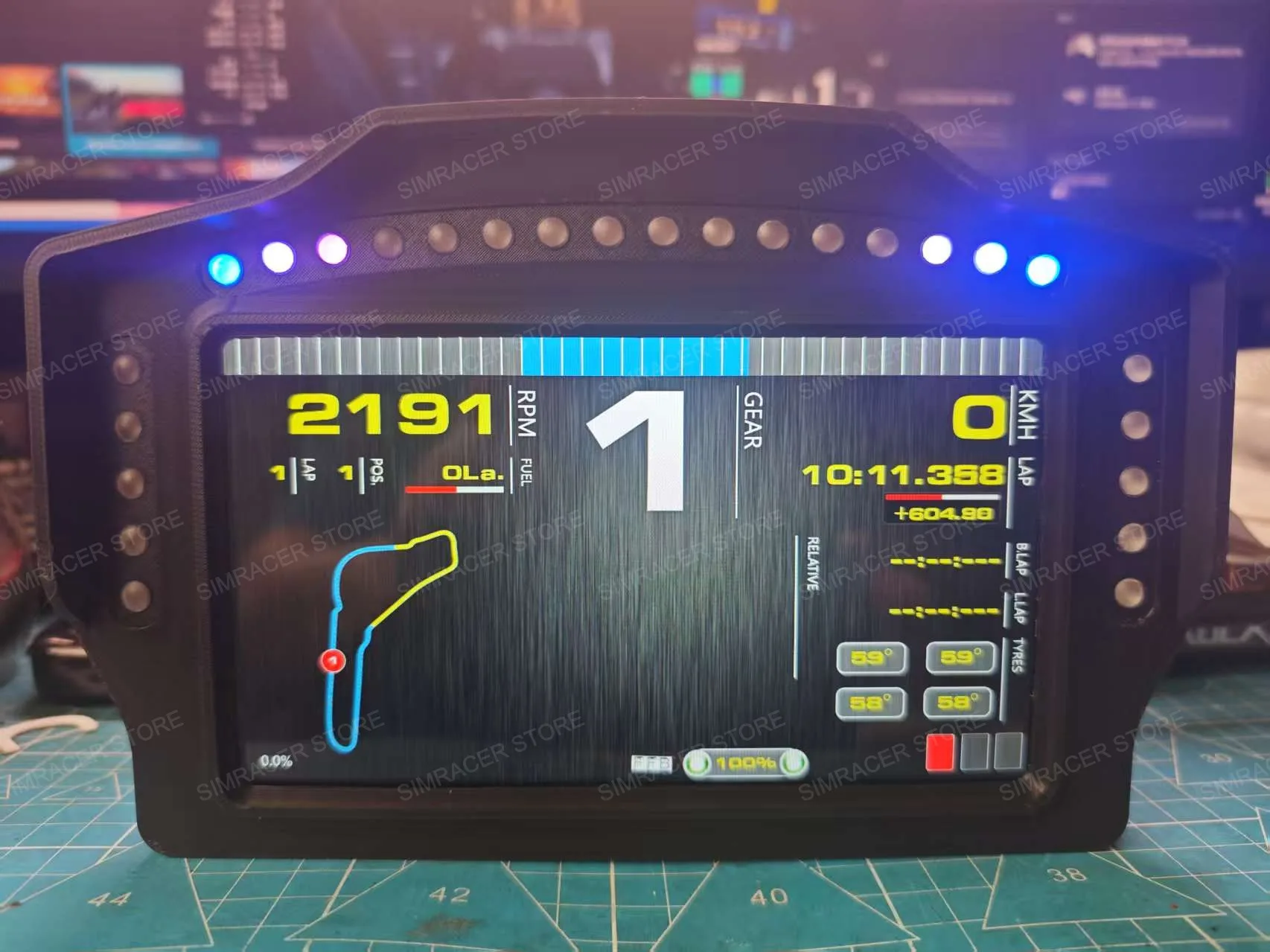
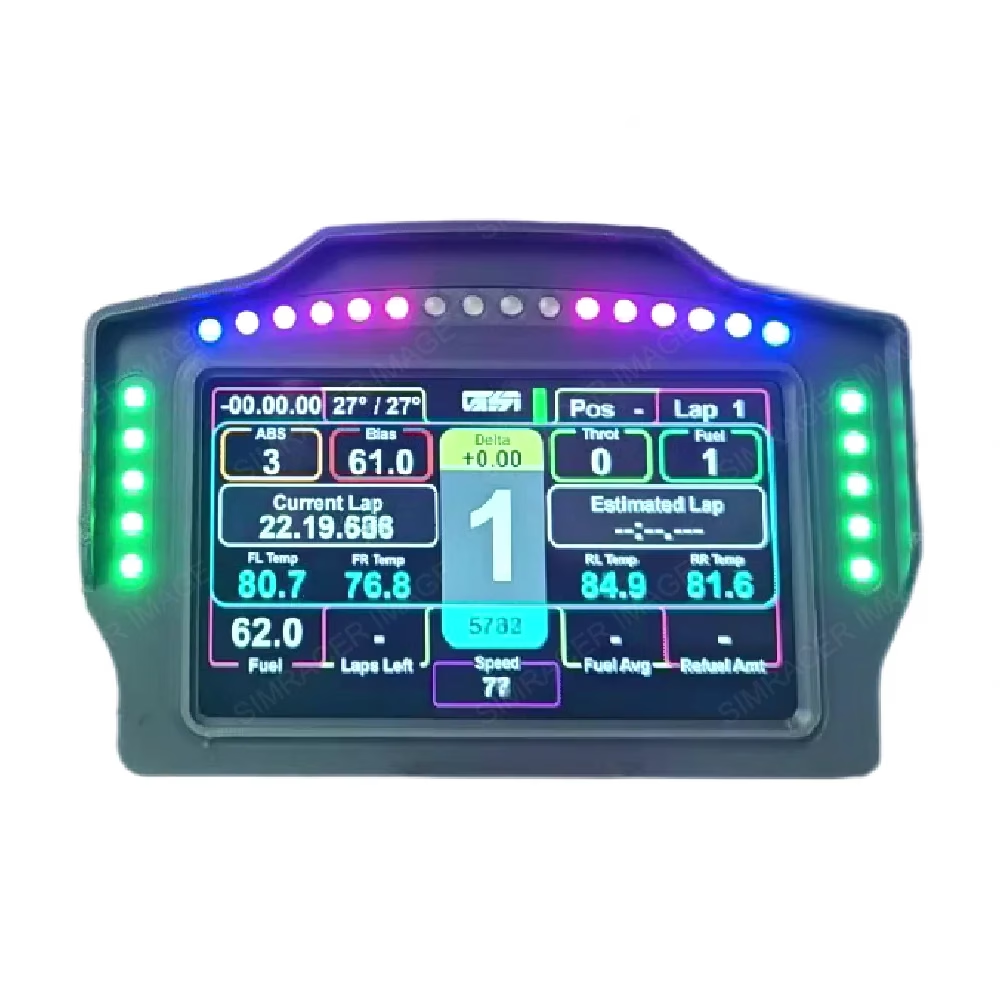
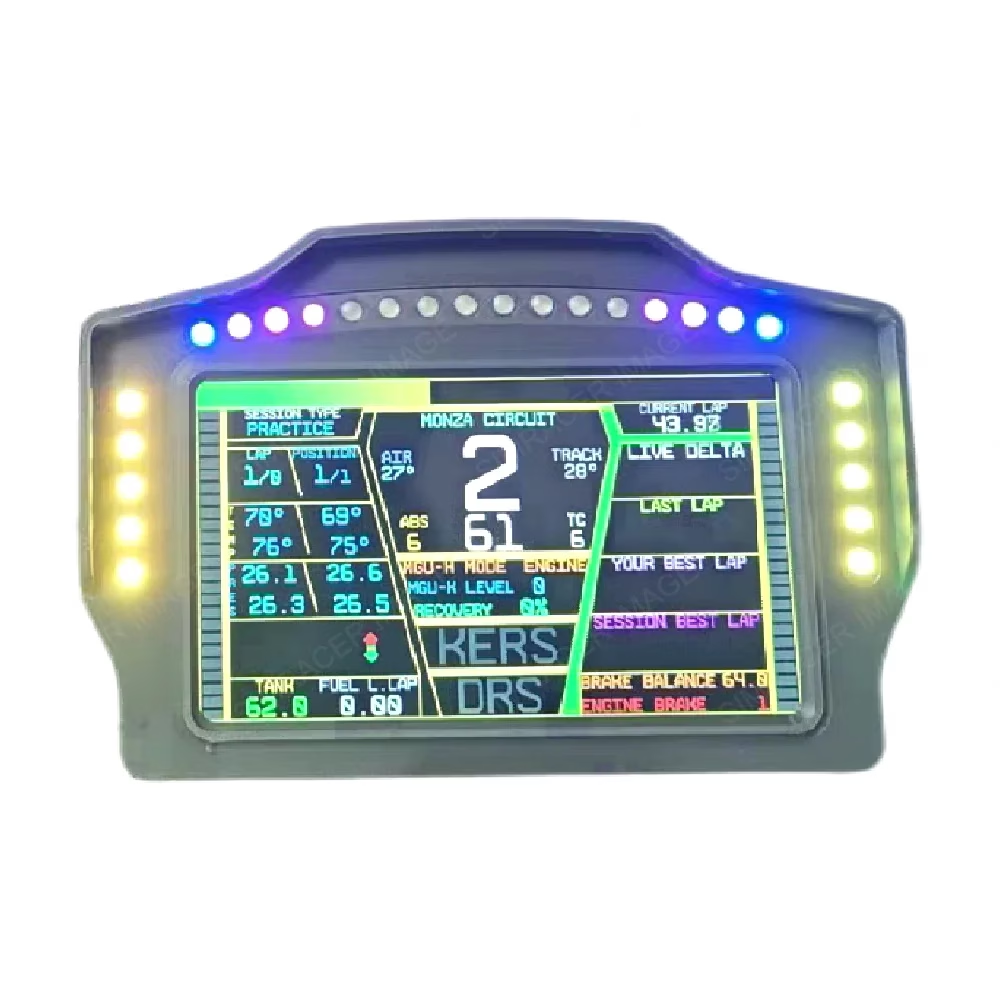
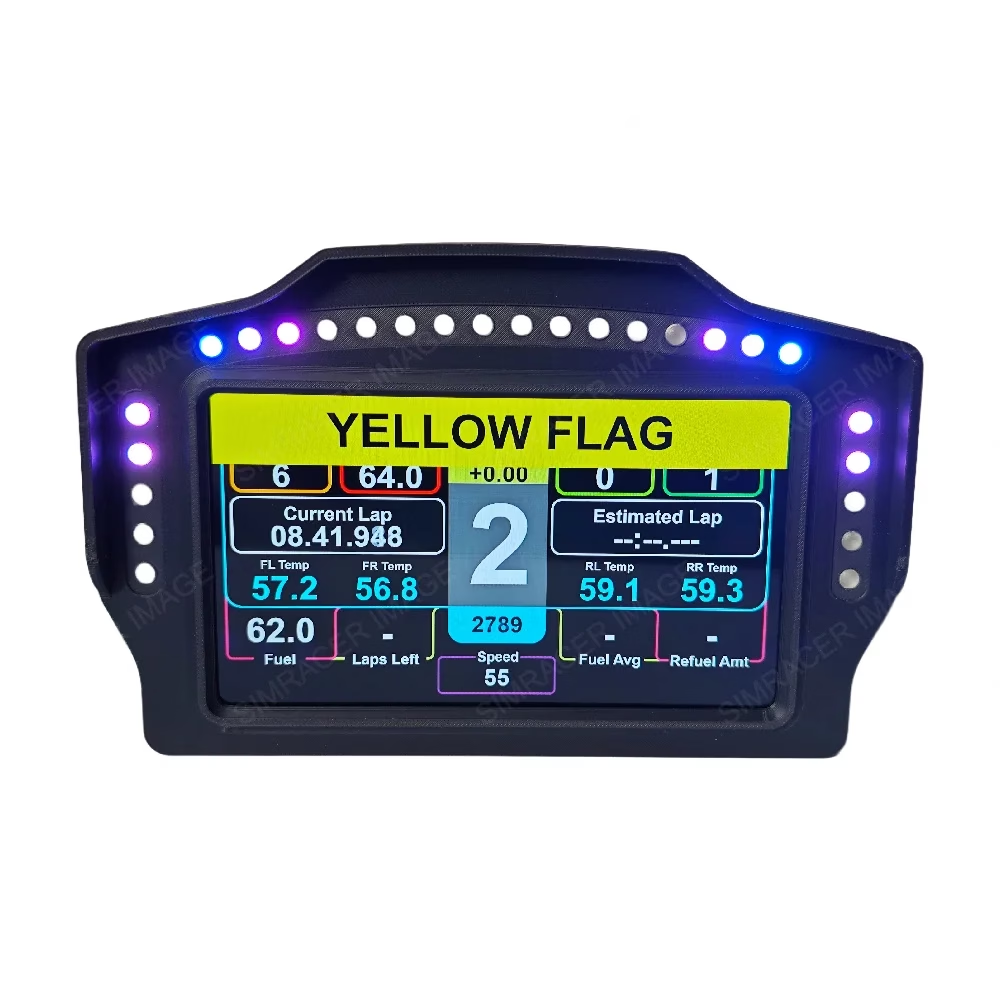
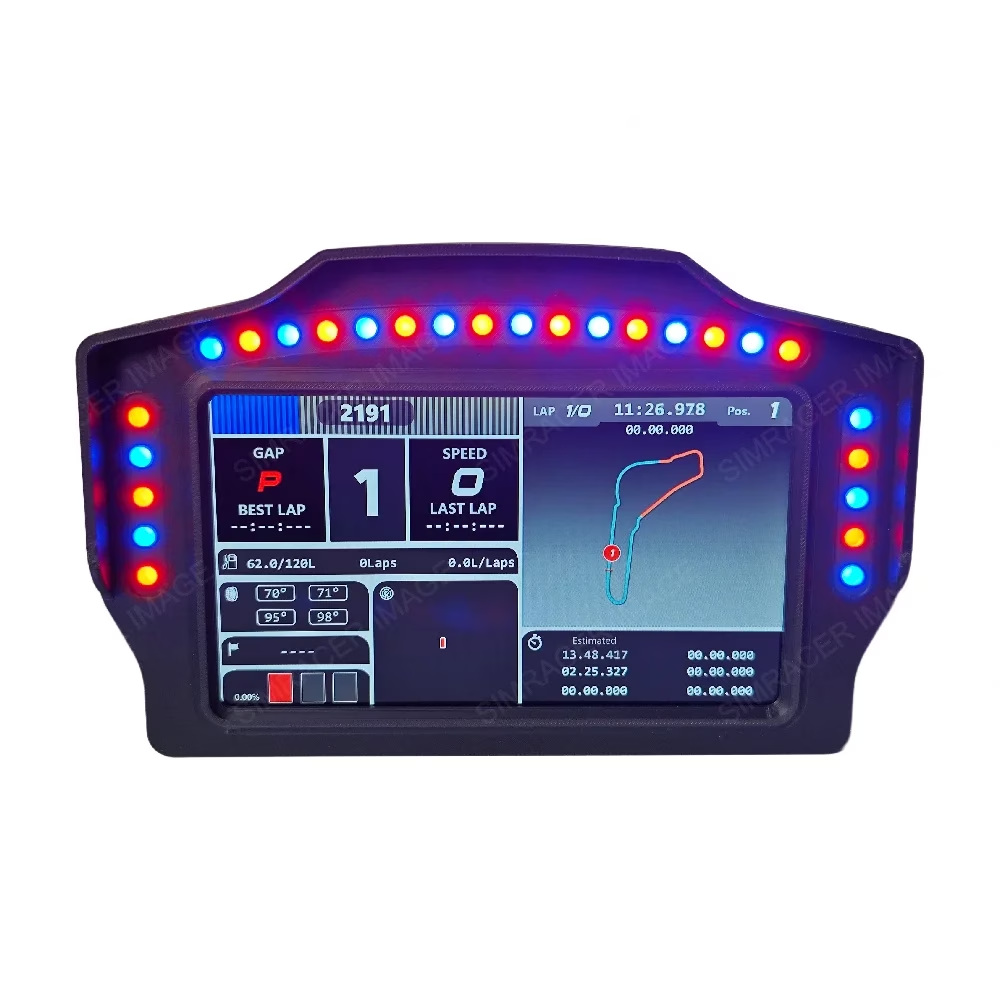
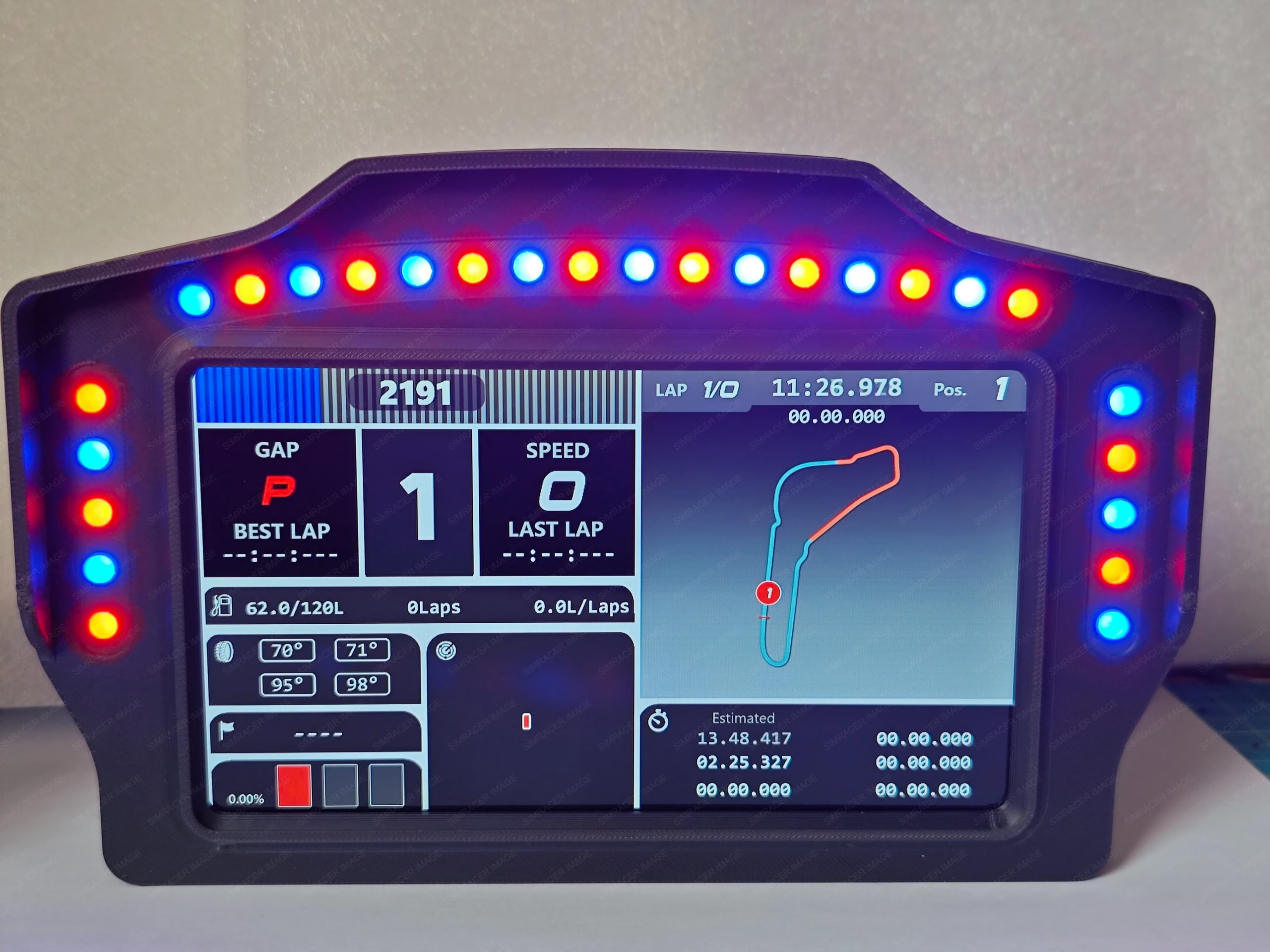
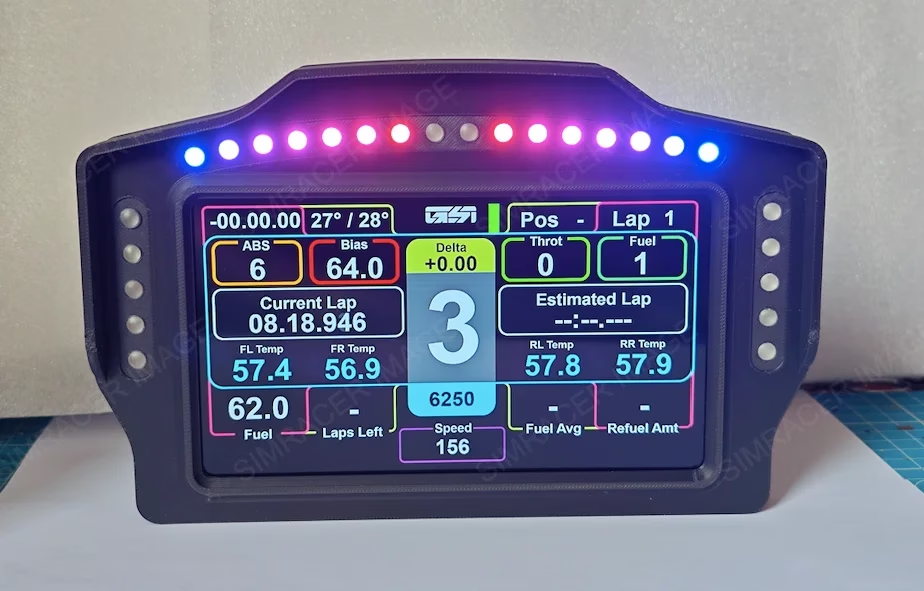
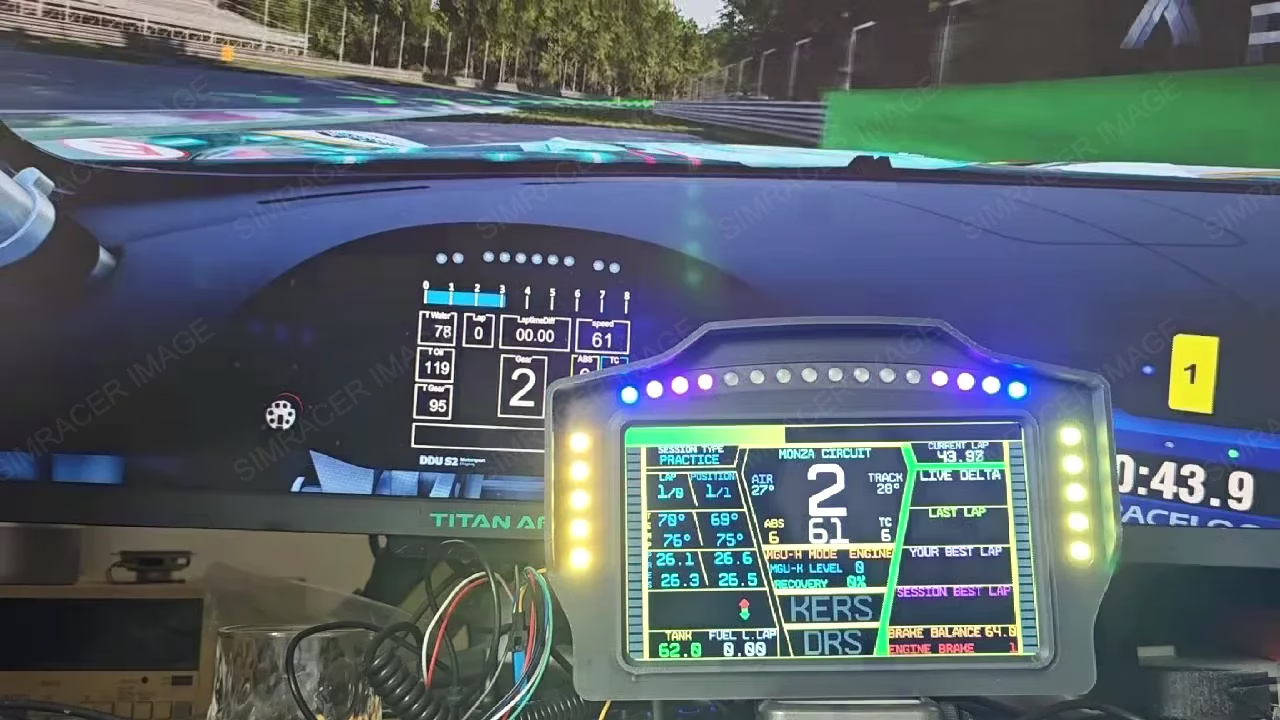
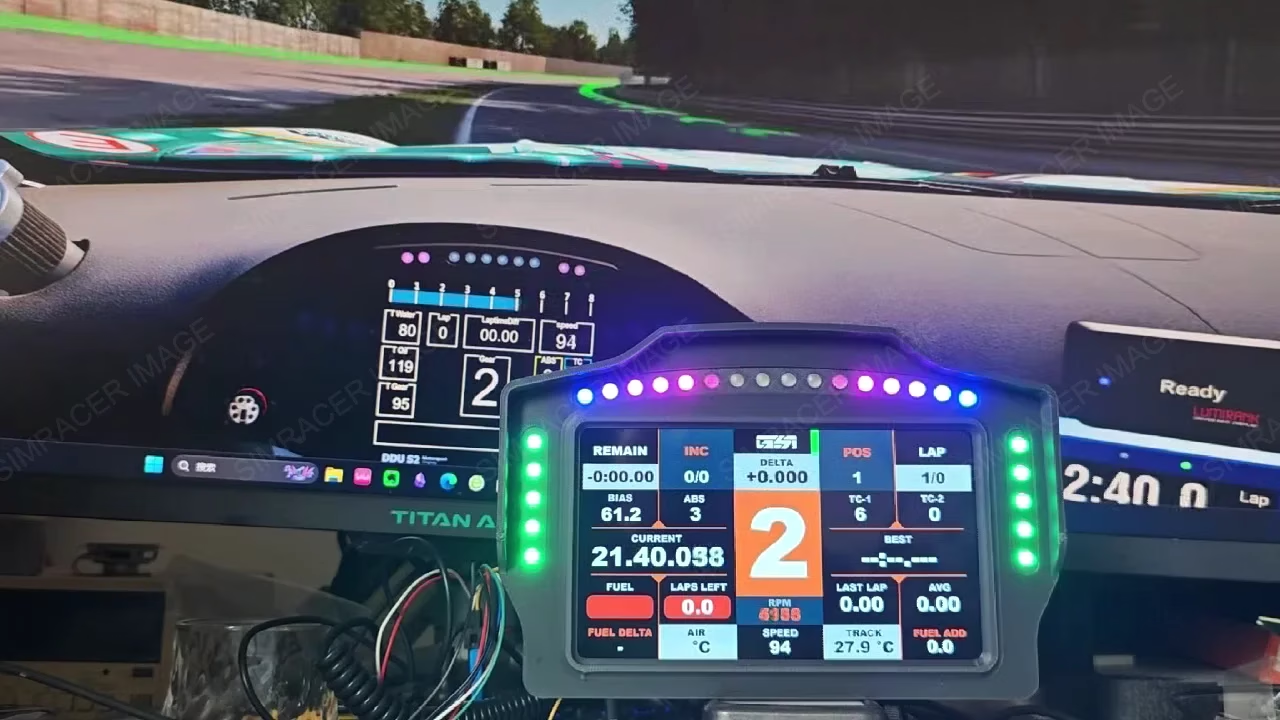
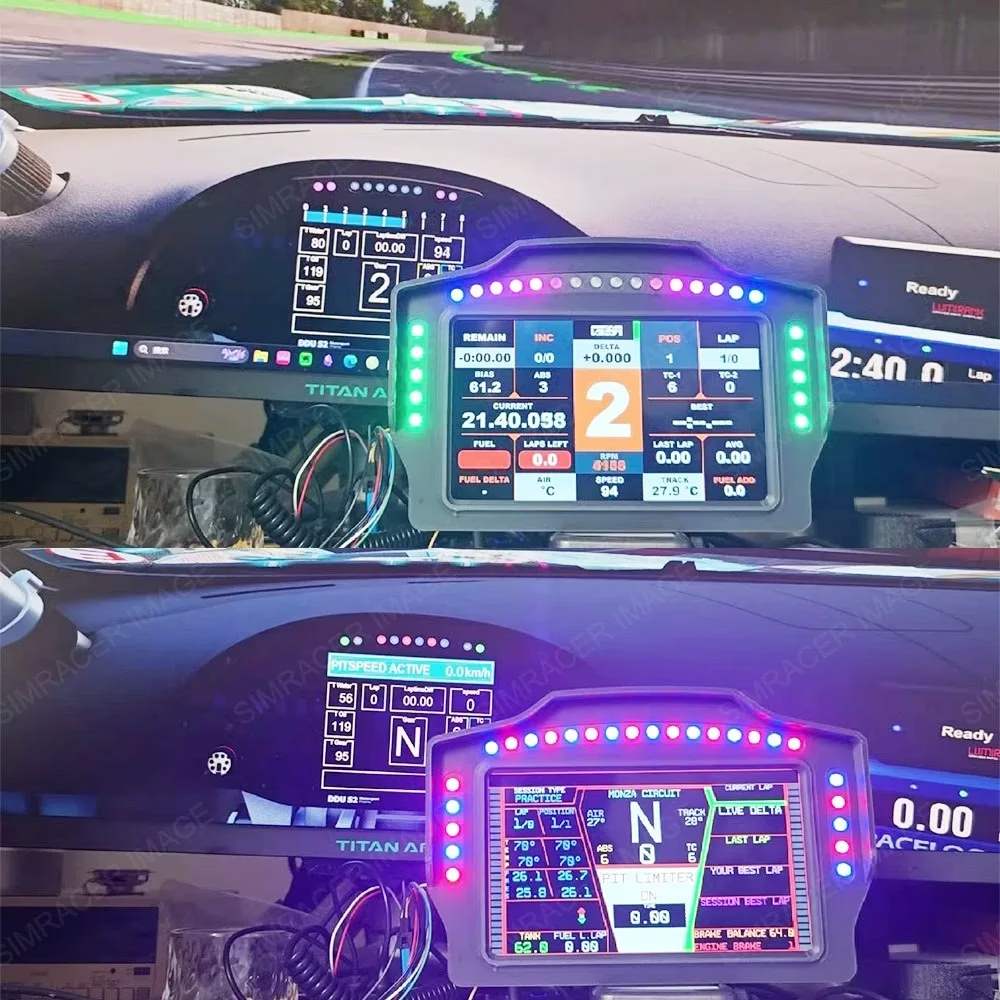
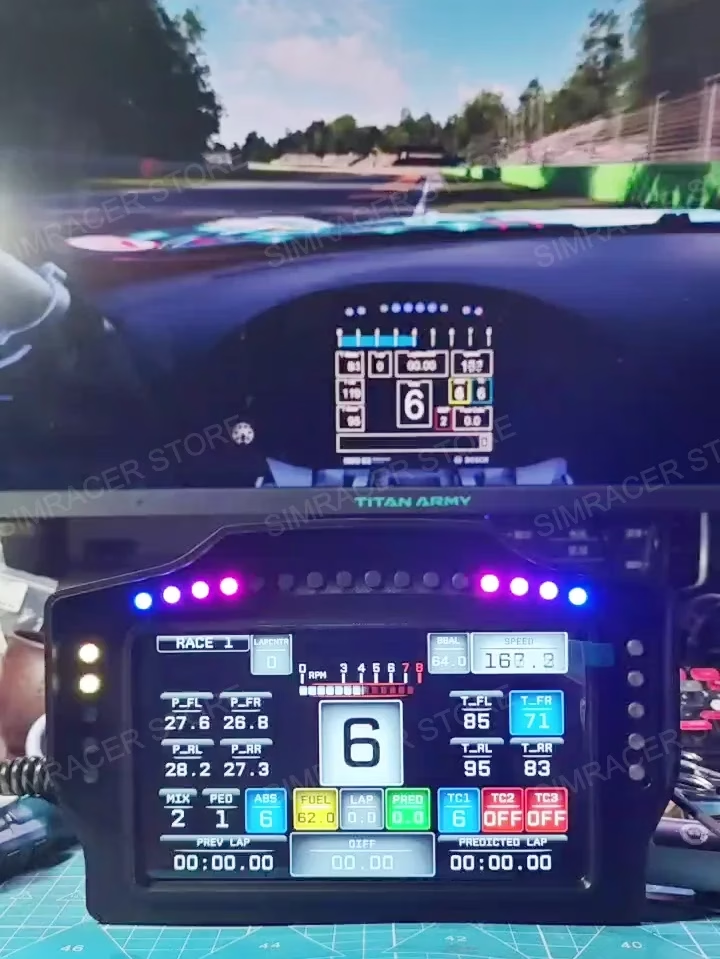
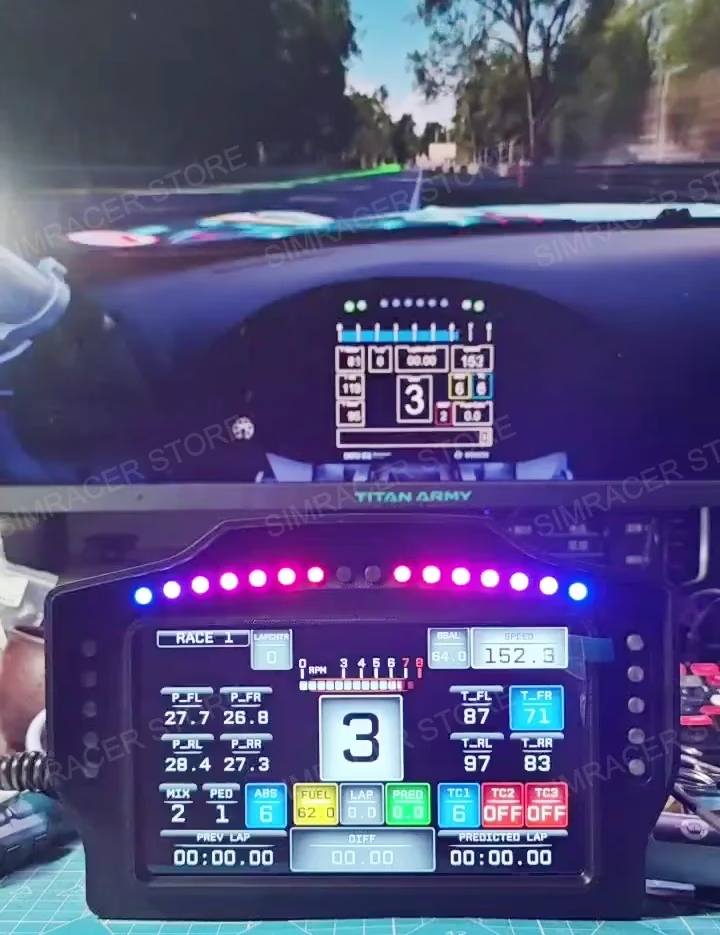
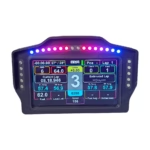
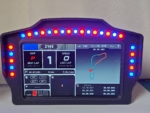
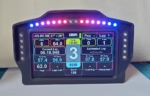
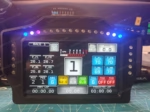
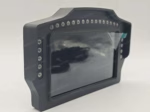
USB Simracing Games 7-inch Dashboard Multi-functional Instrument Speed Display for FANATEC MOZA Simagic Logitech G29 Make DrivingMore Real
Product Features:
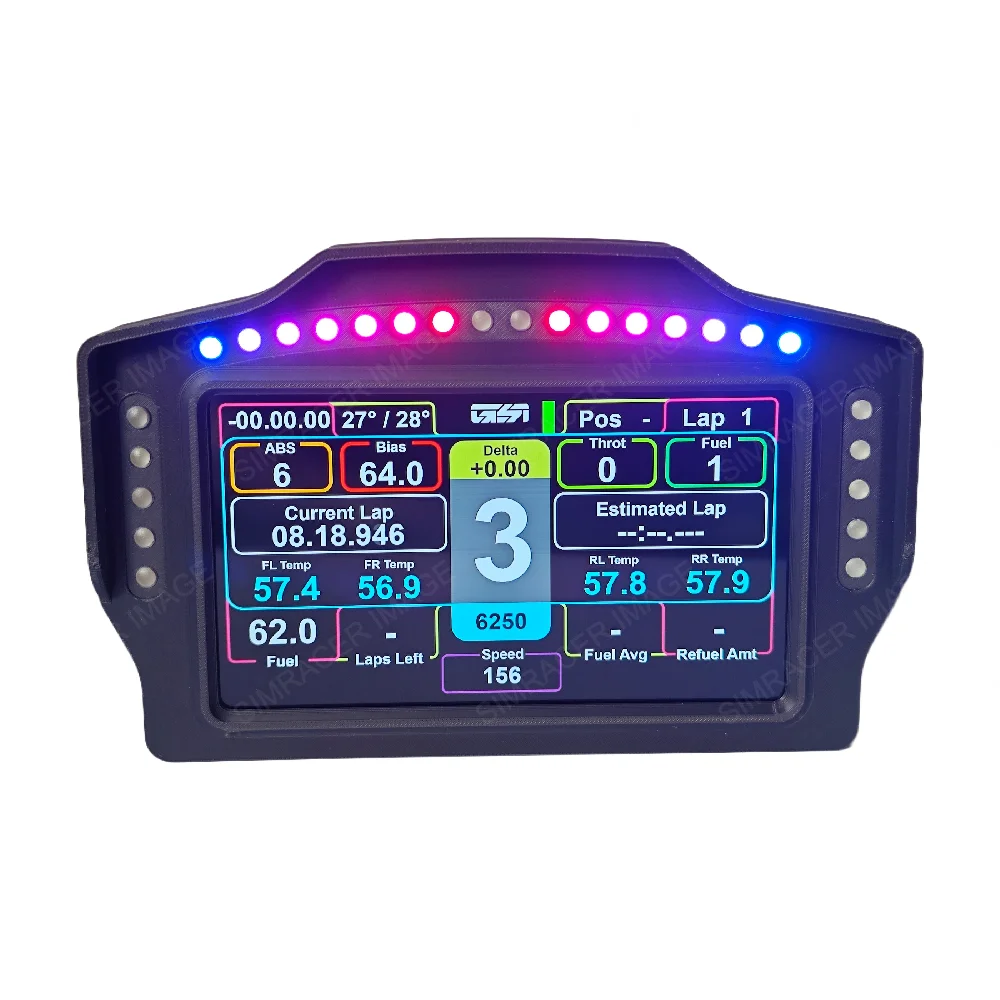
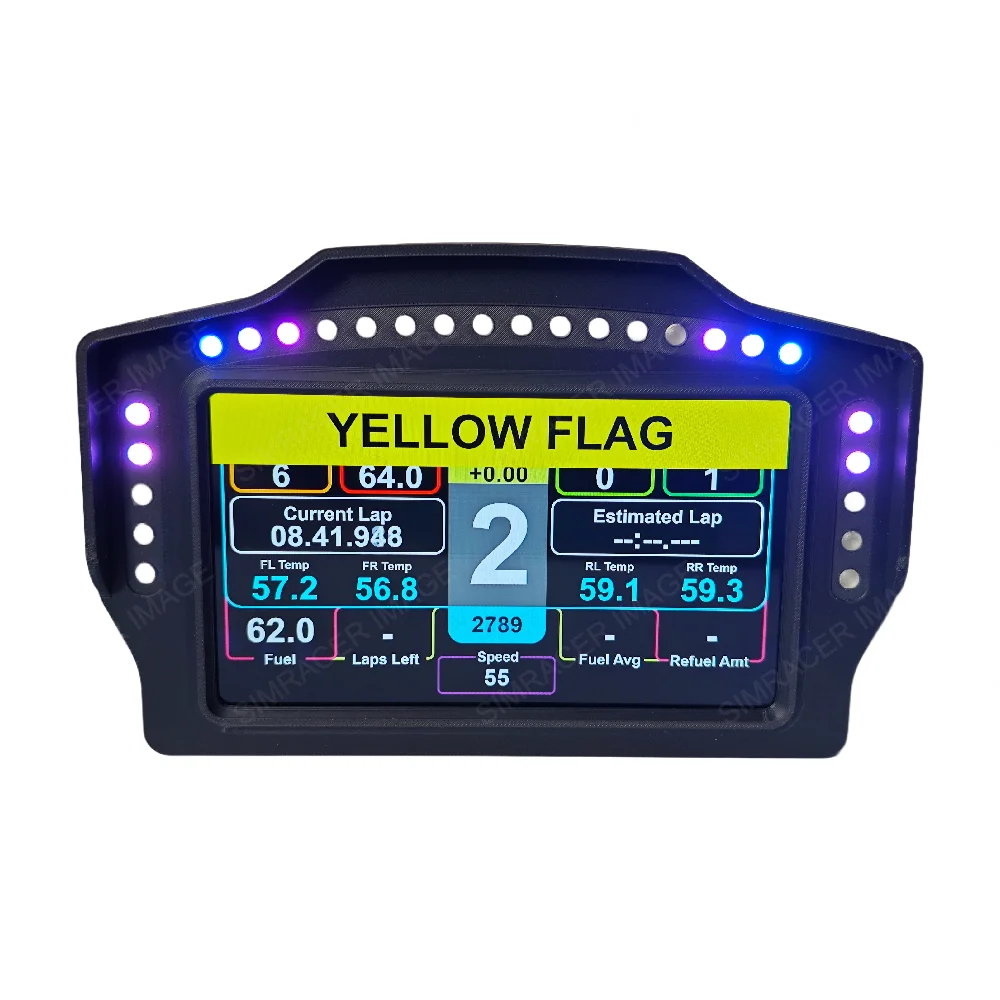
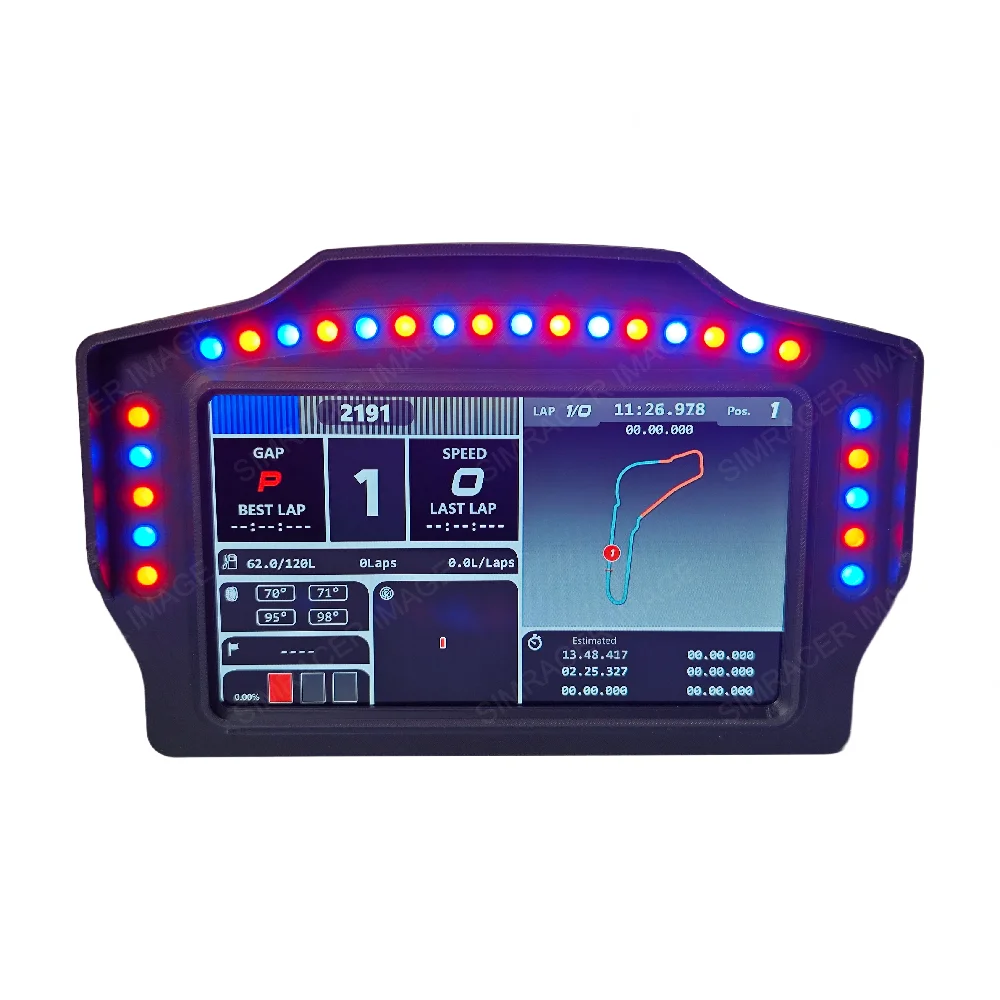
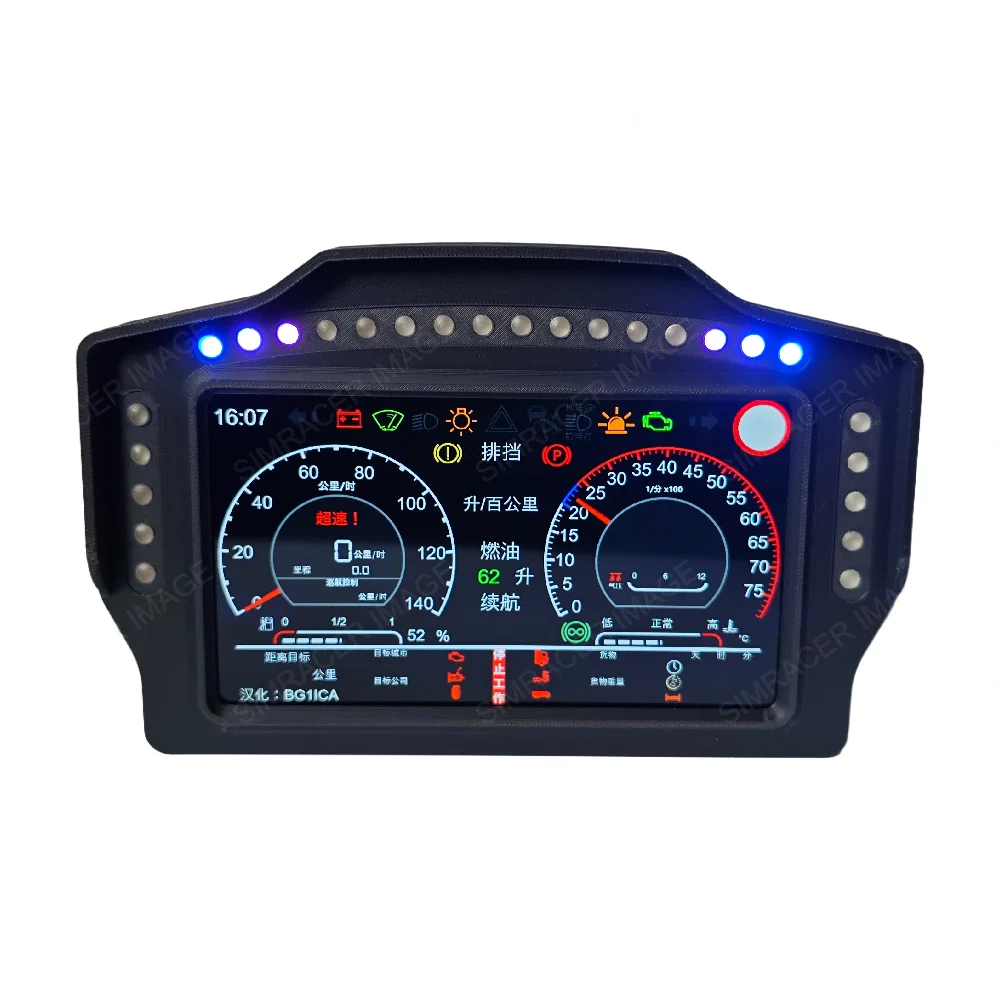
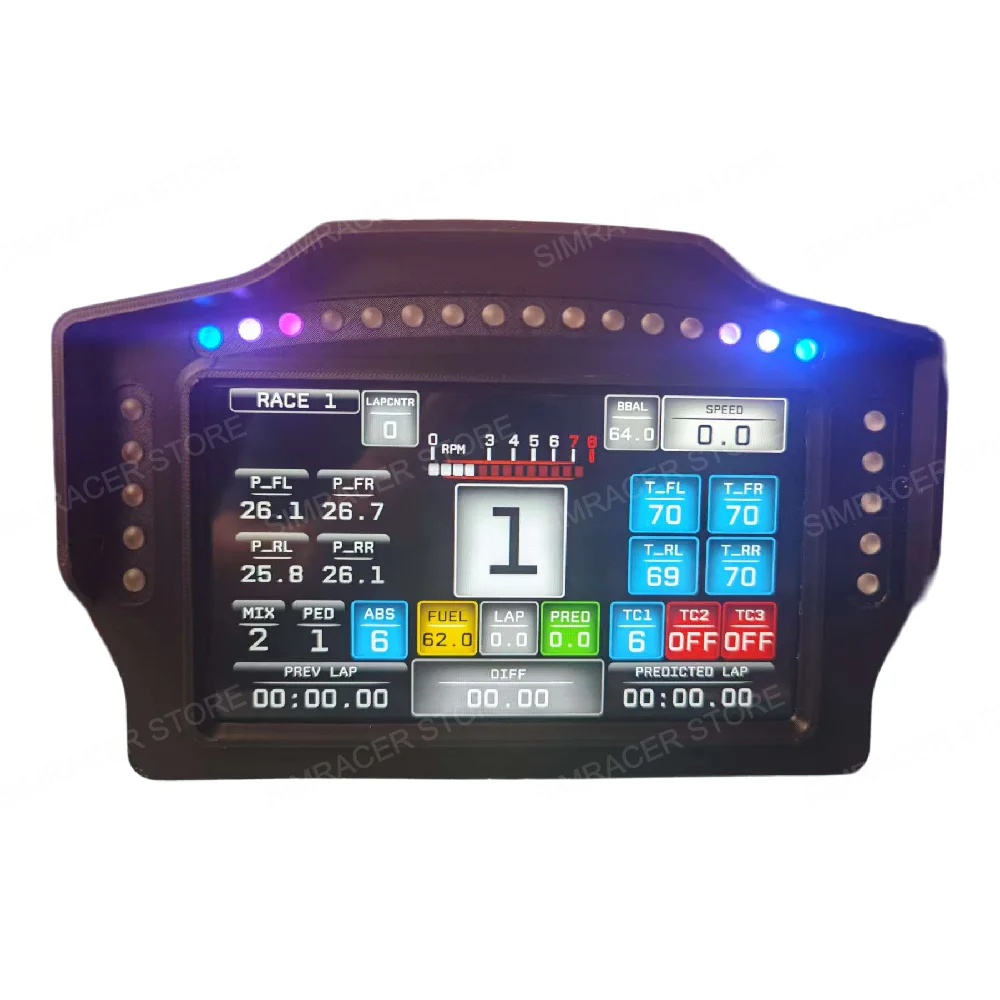
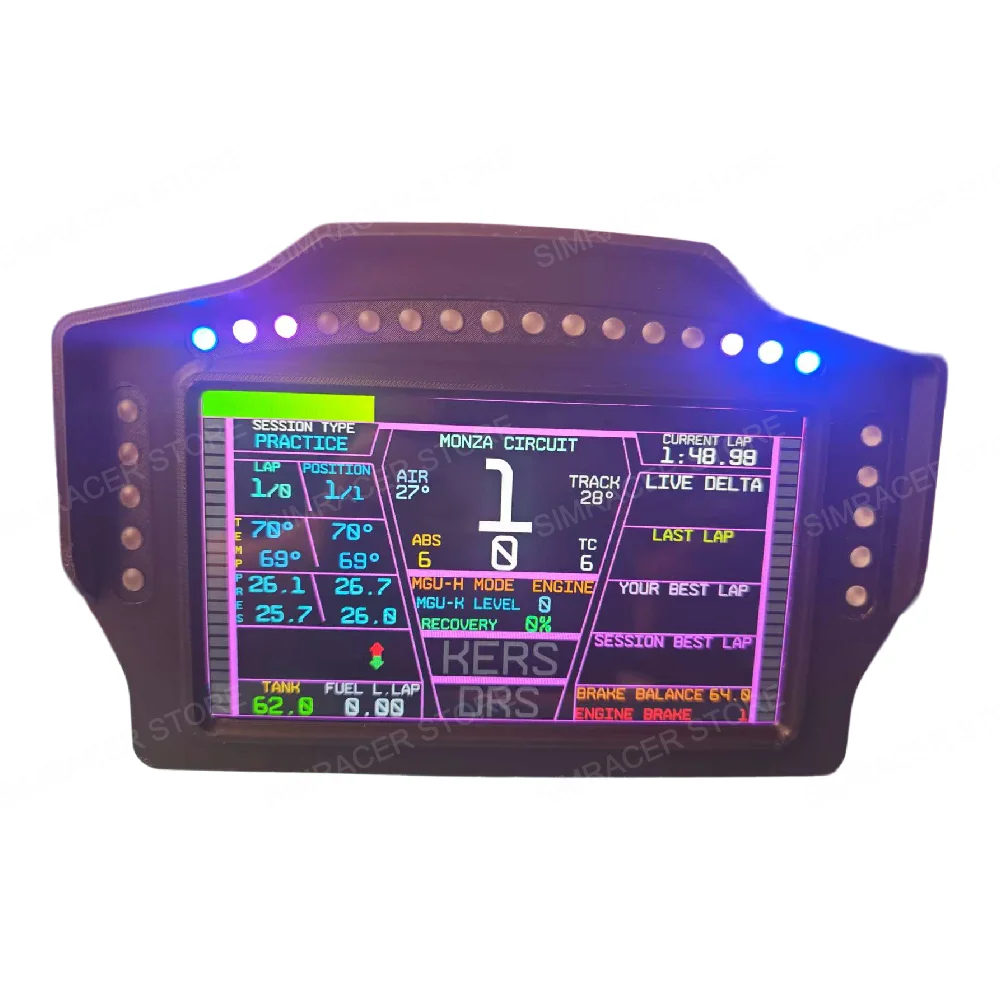
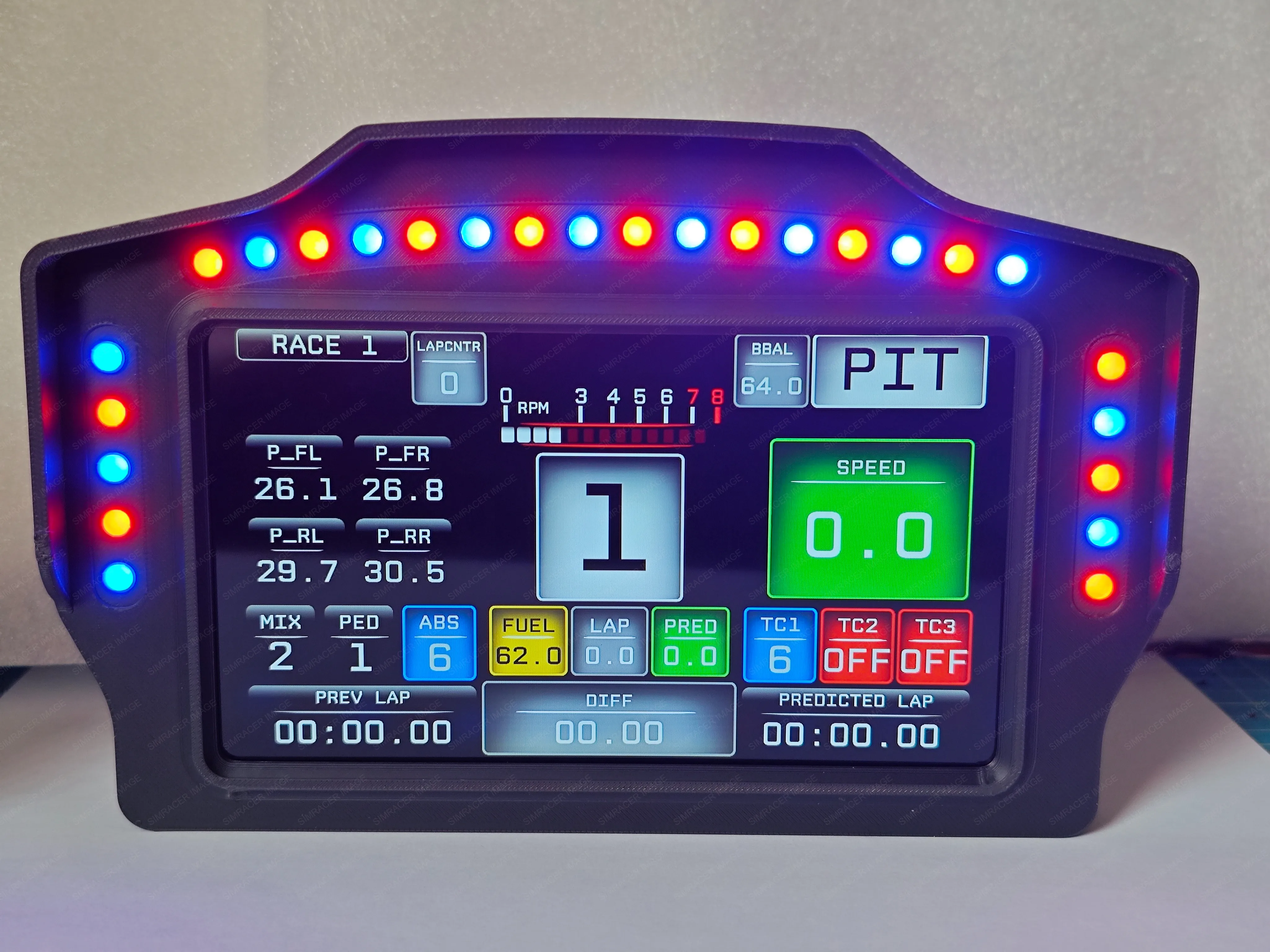
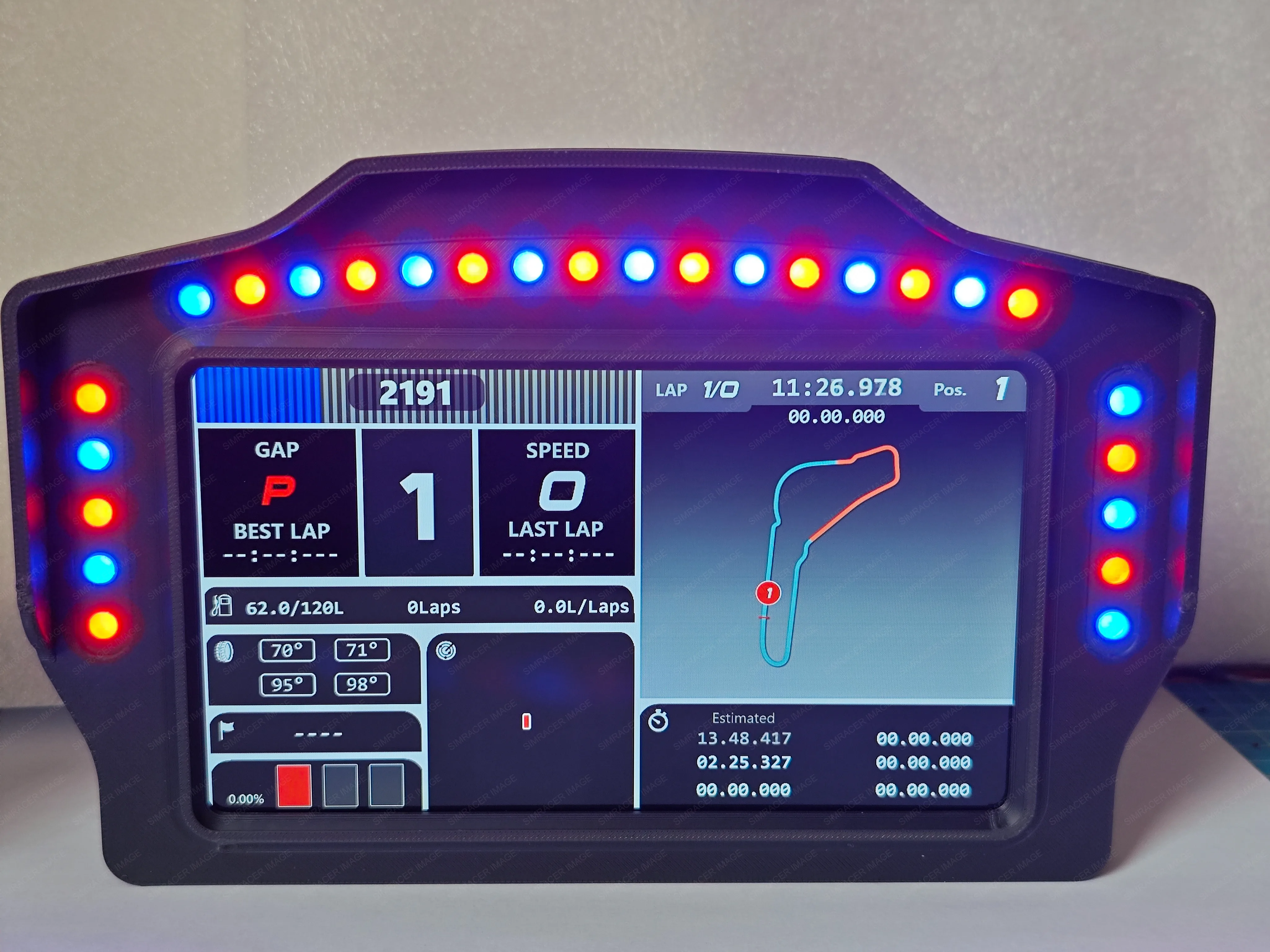
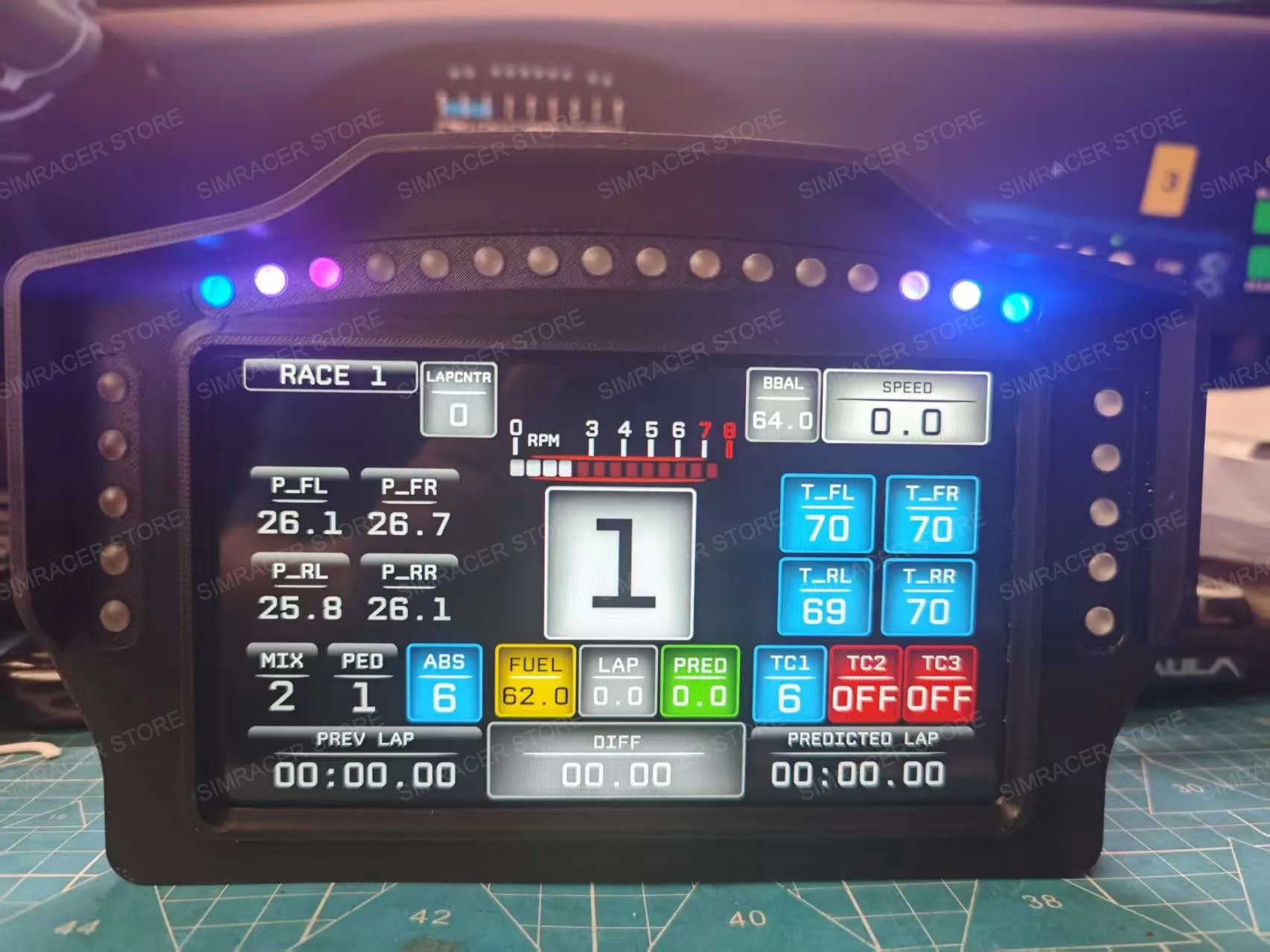
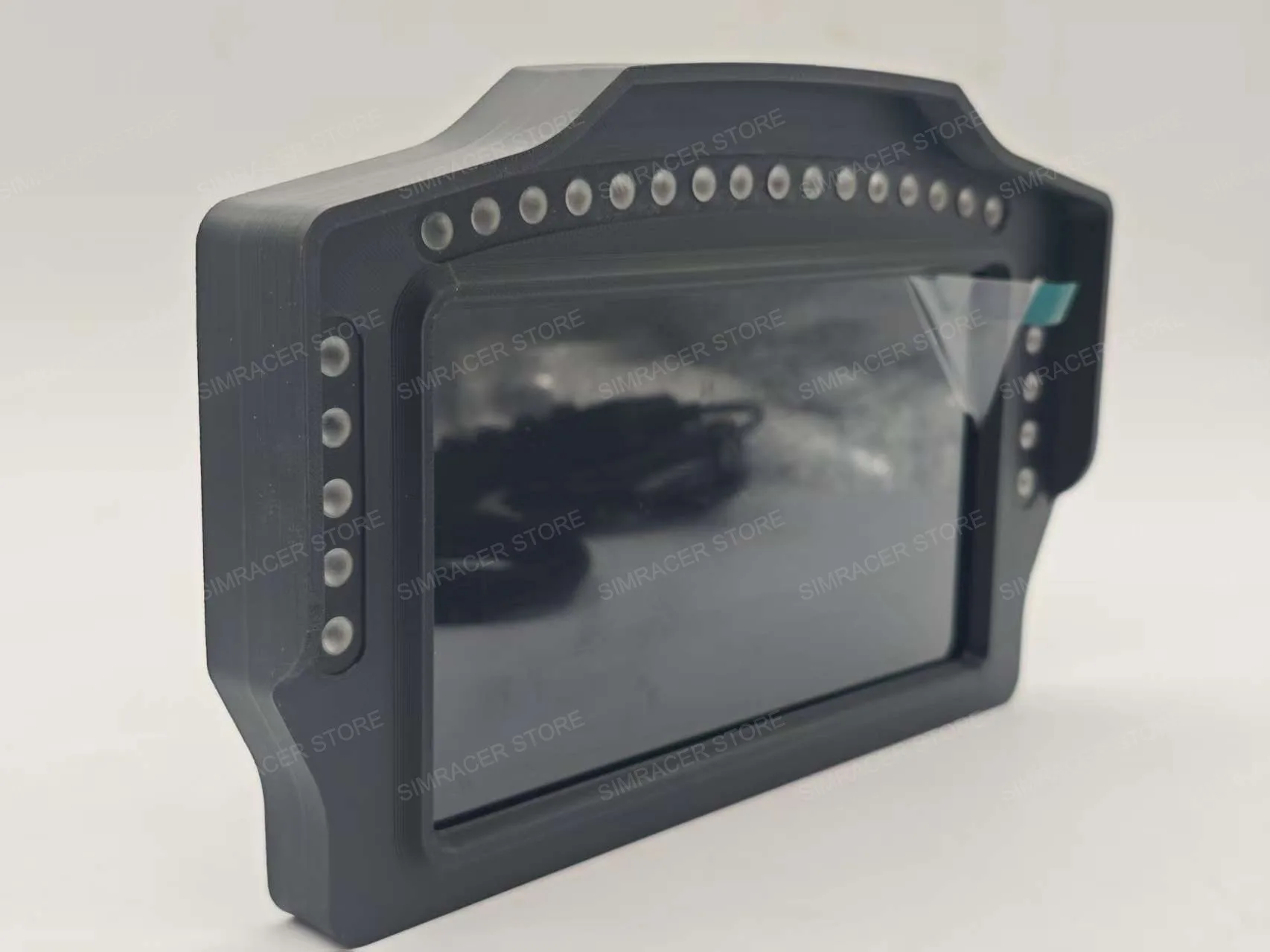
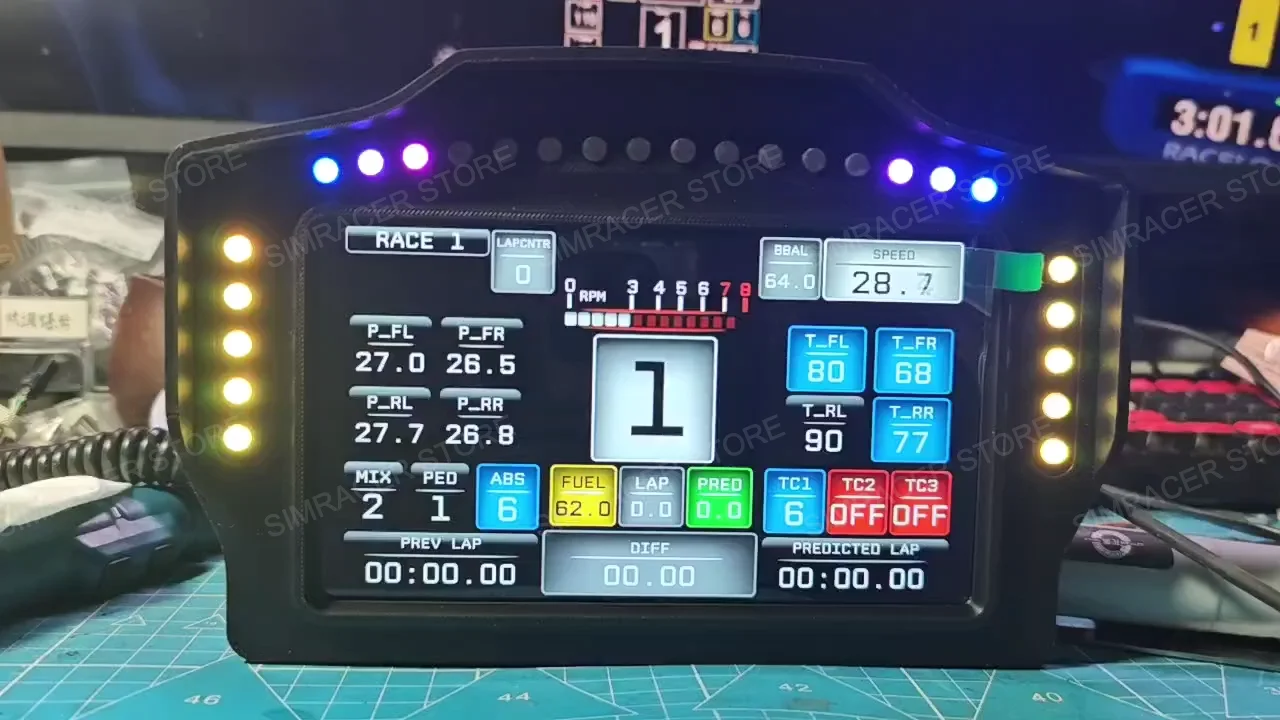
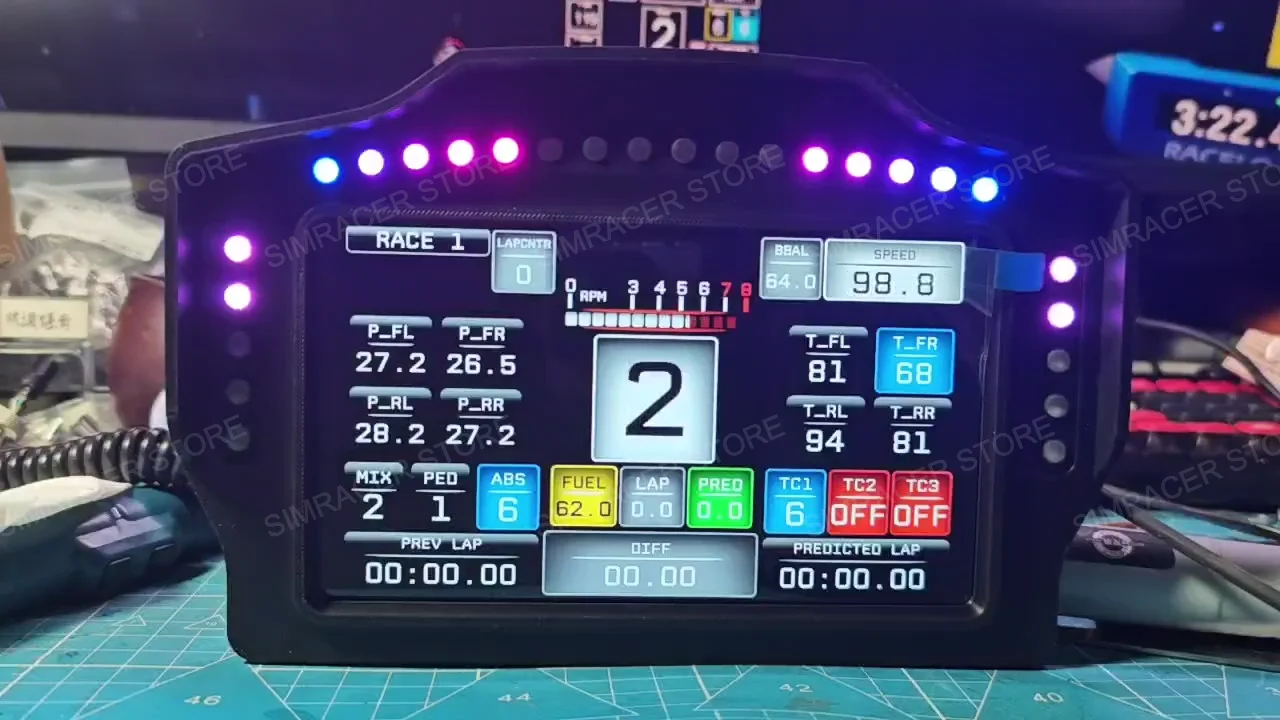
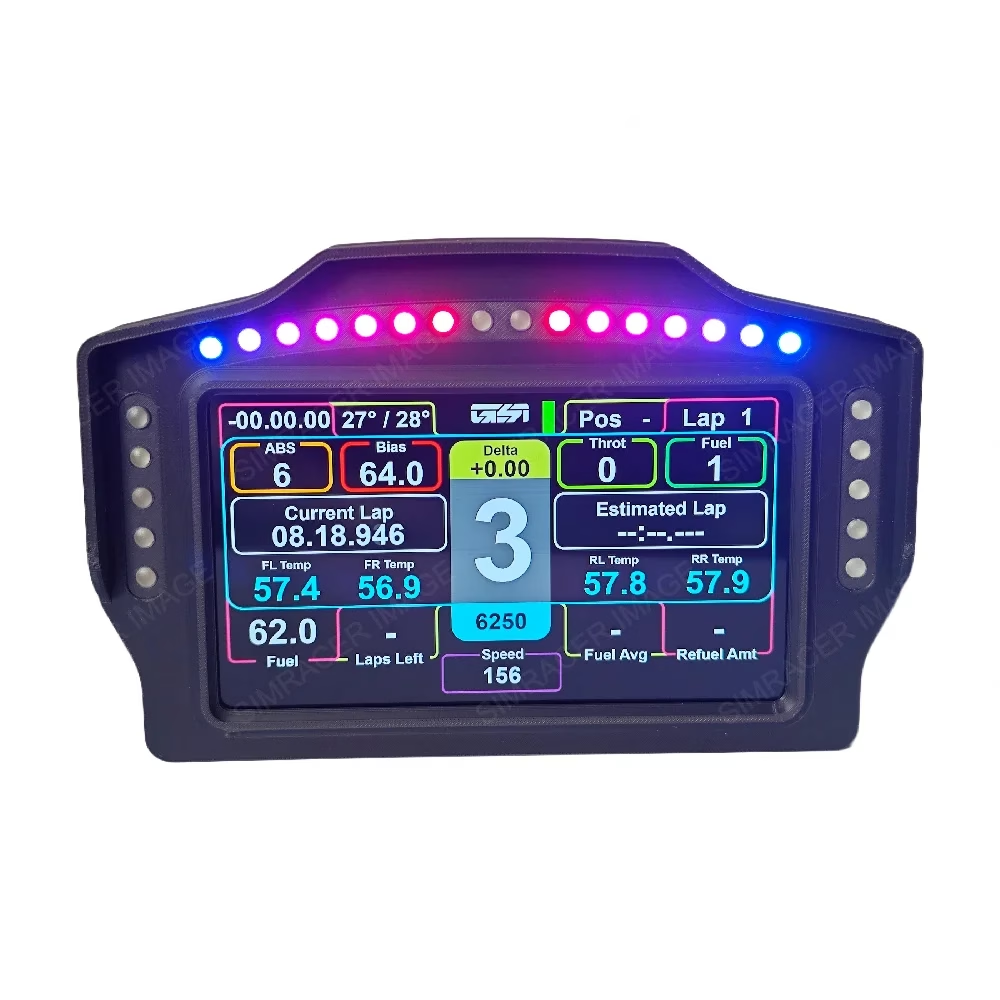
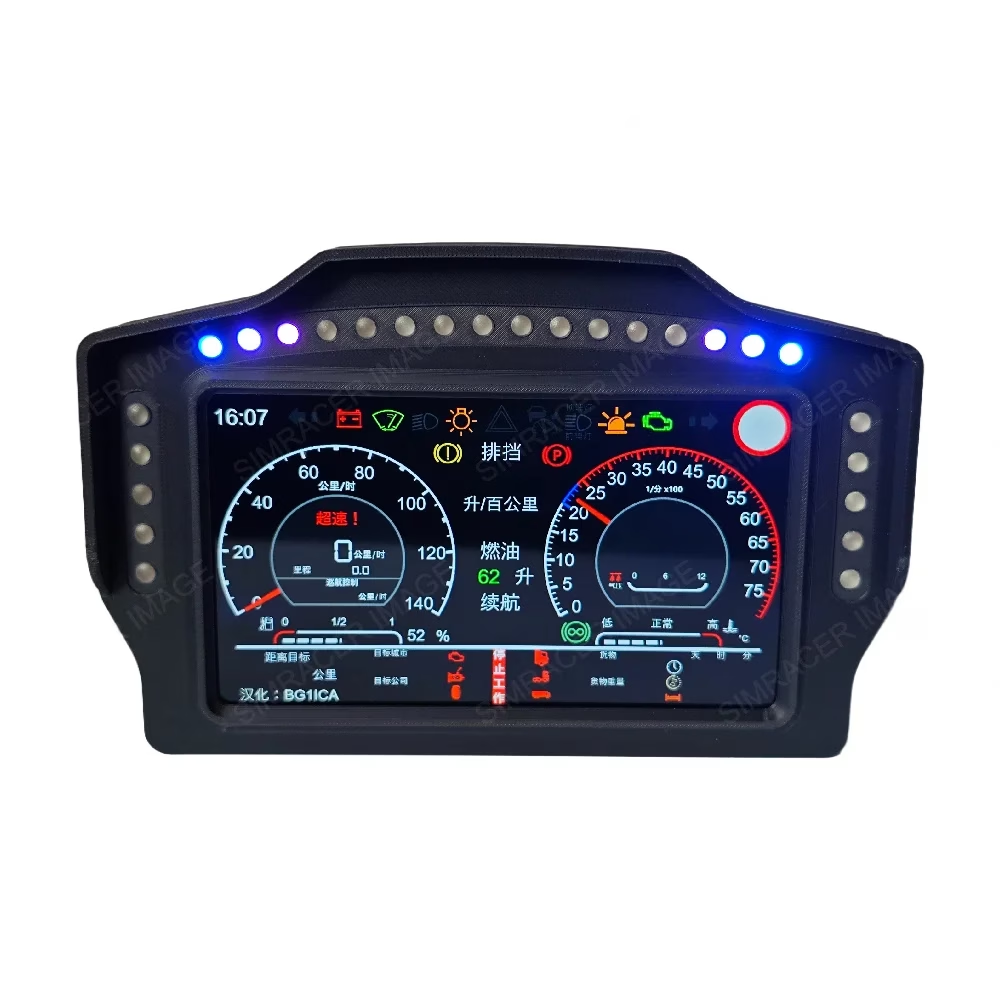
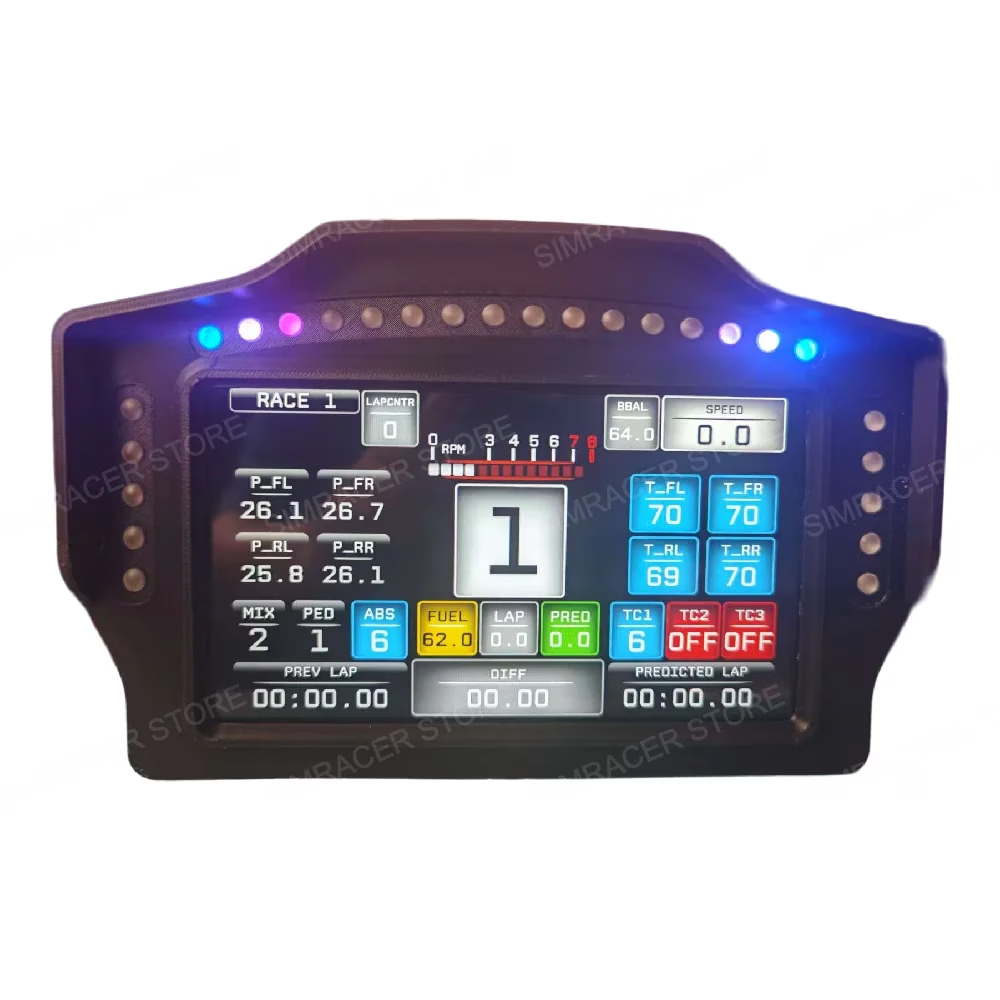
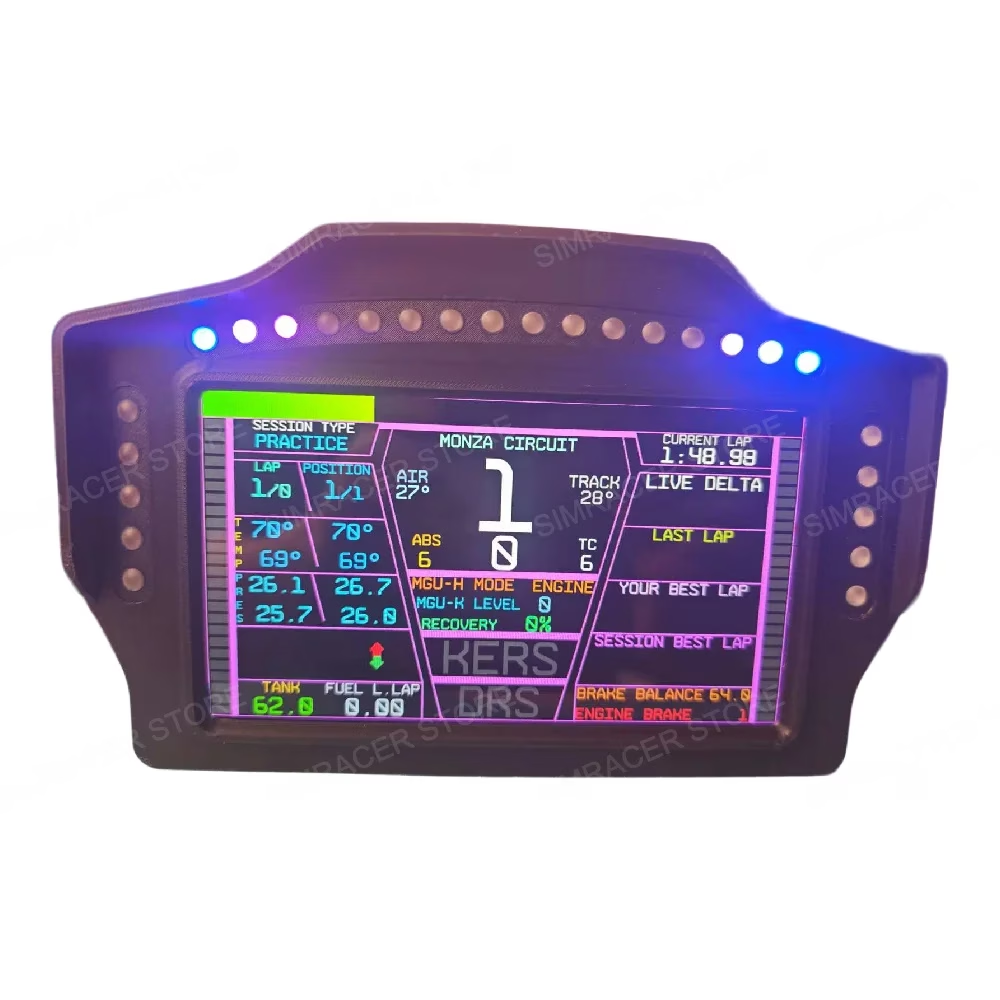
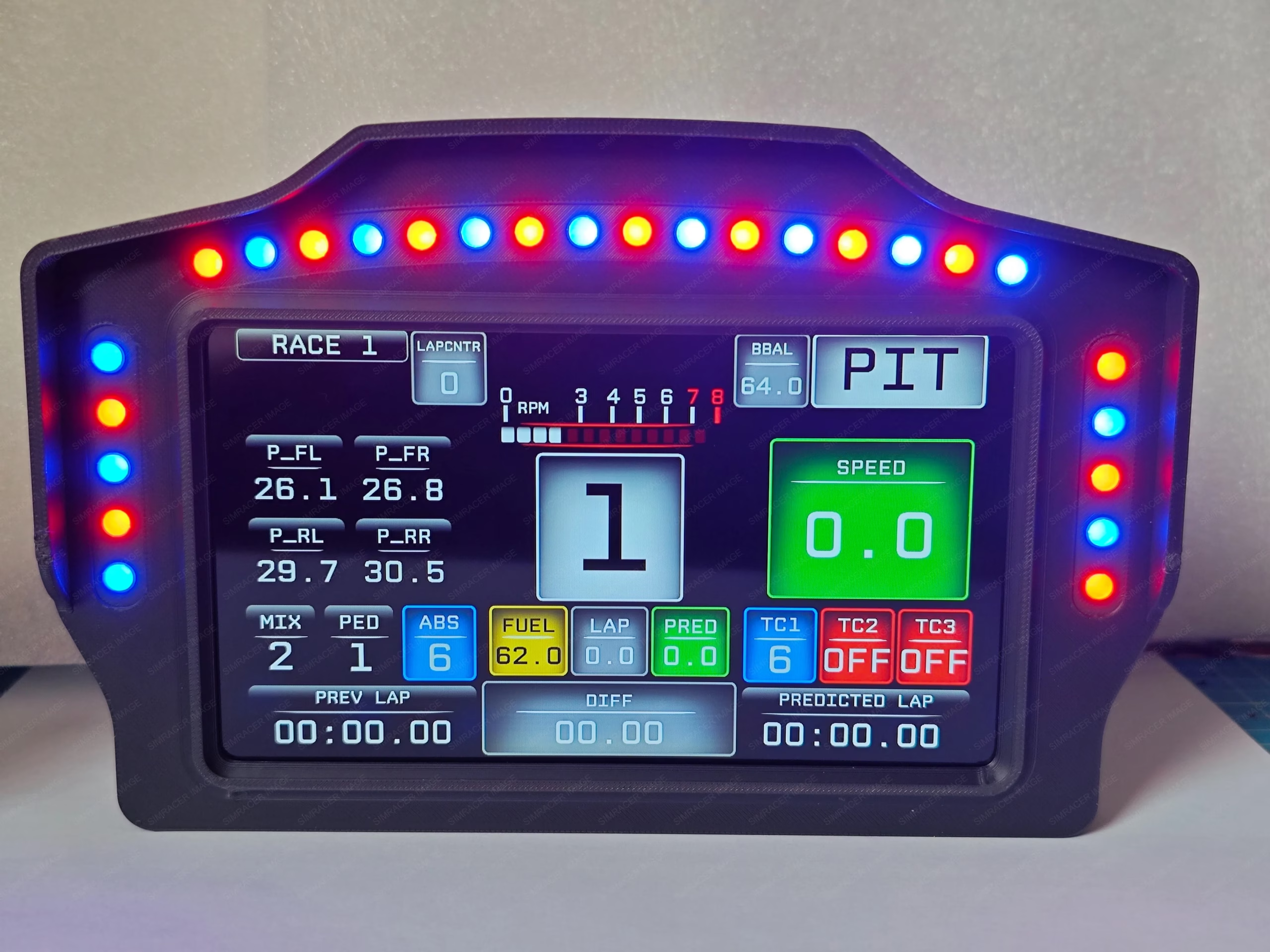
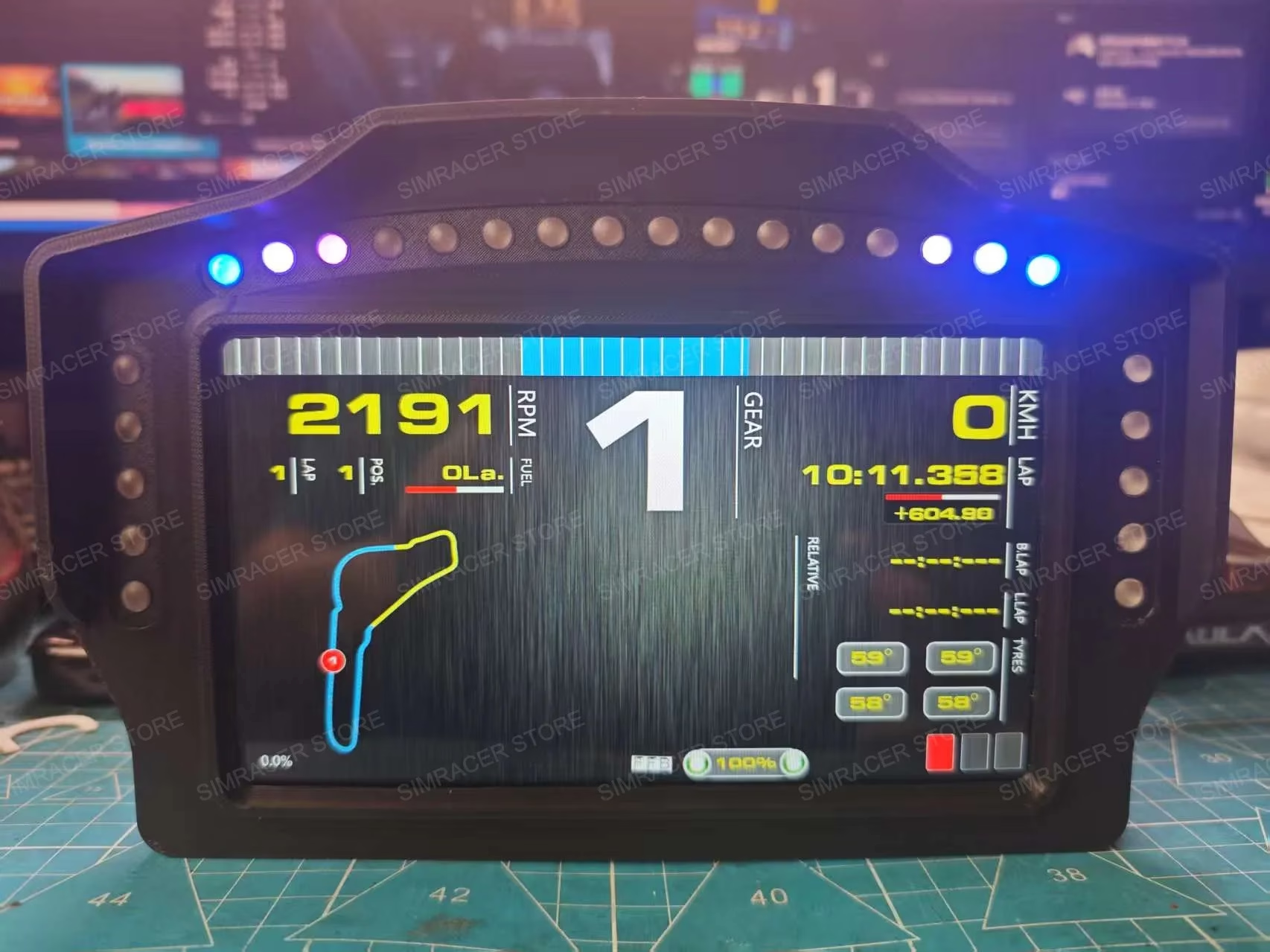
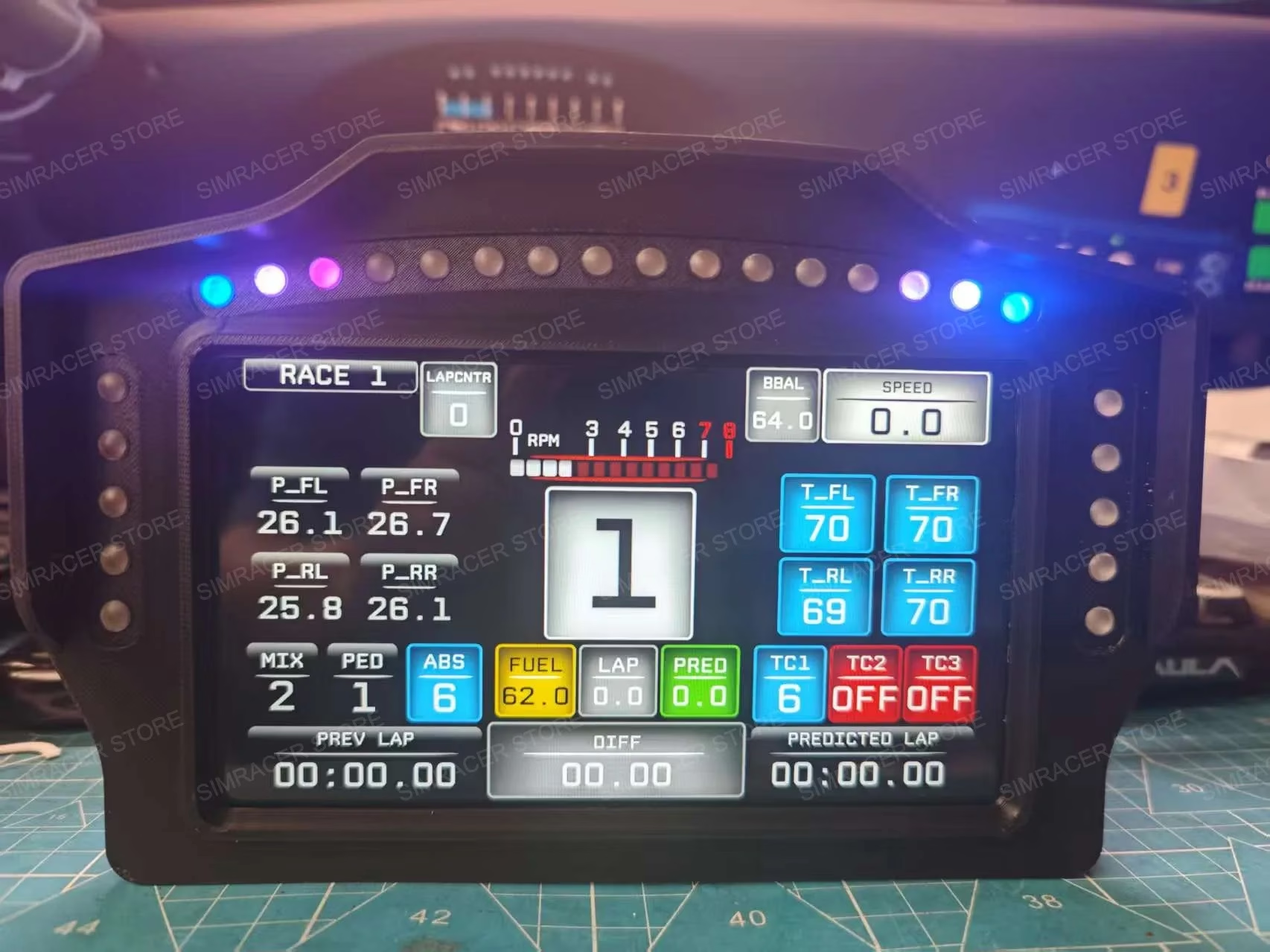
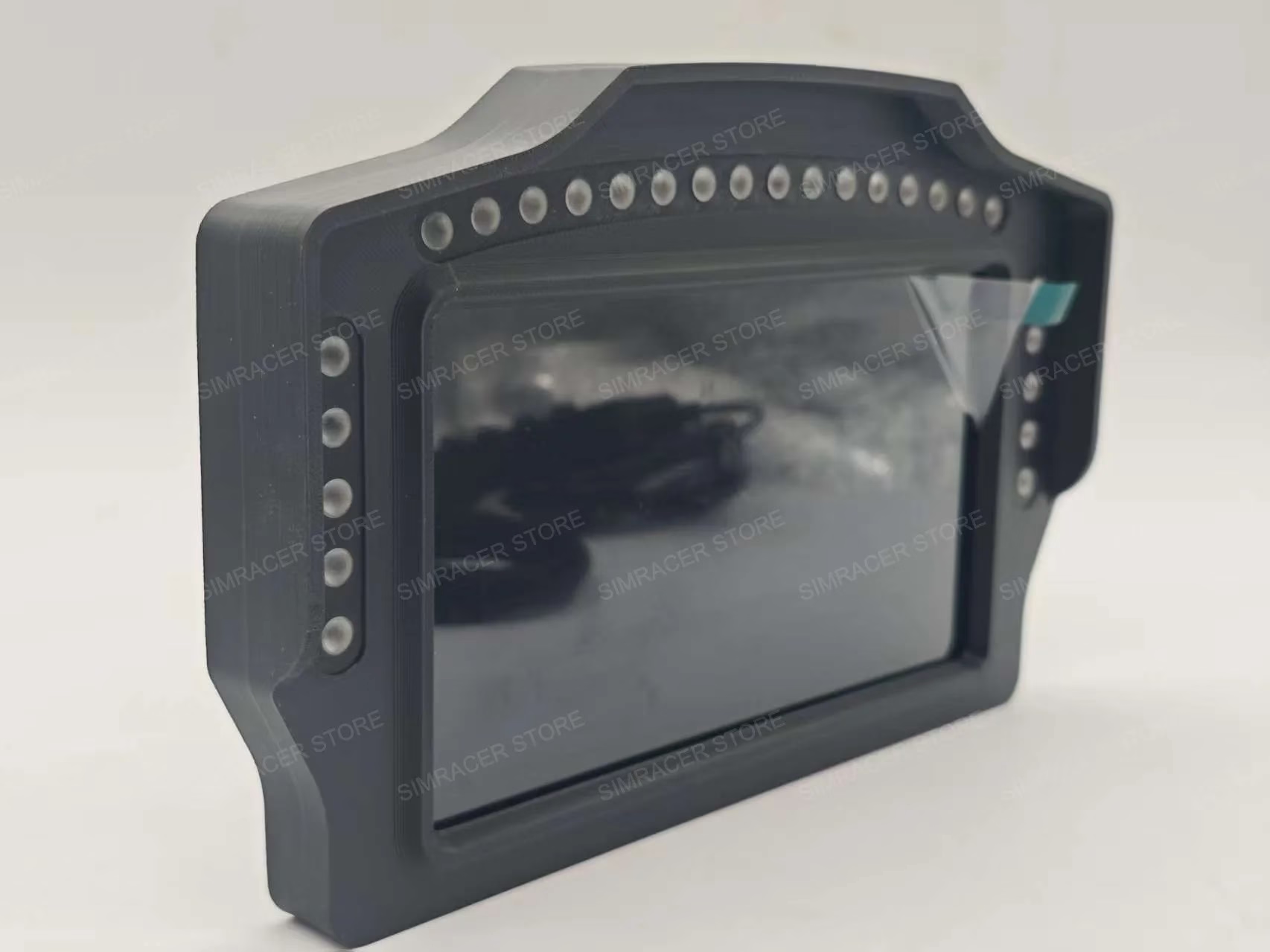
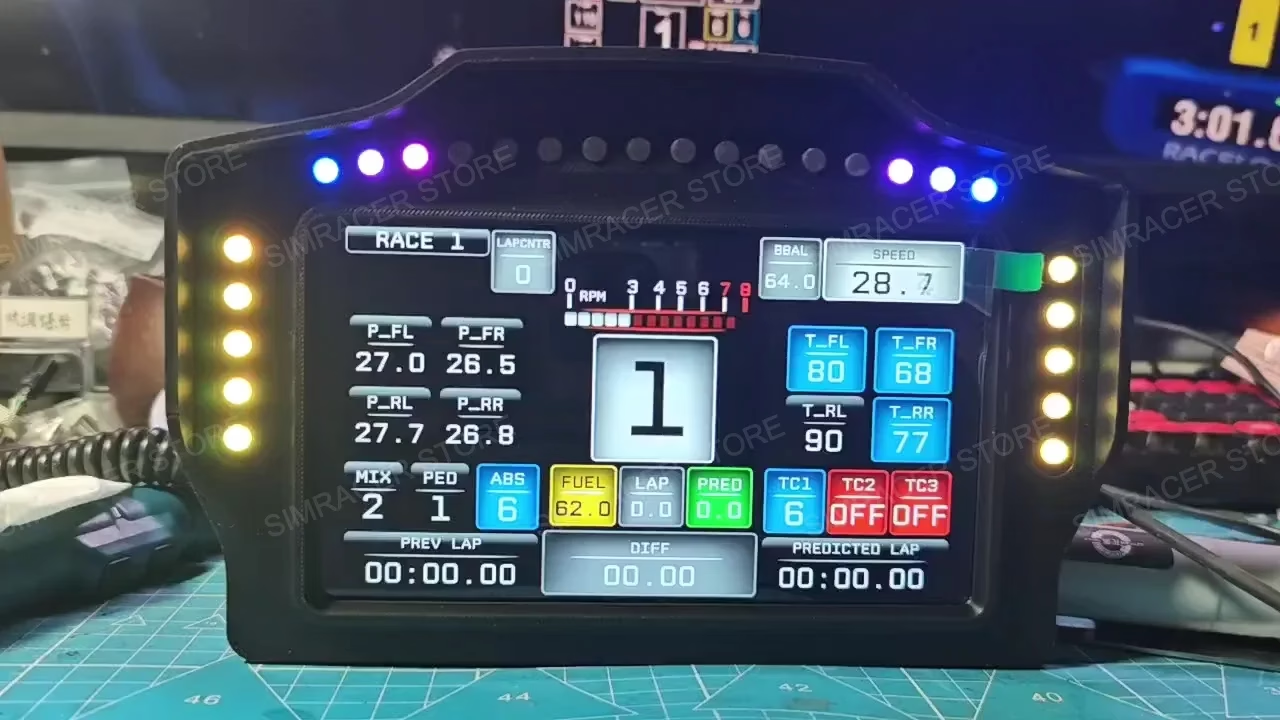
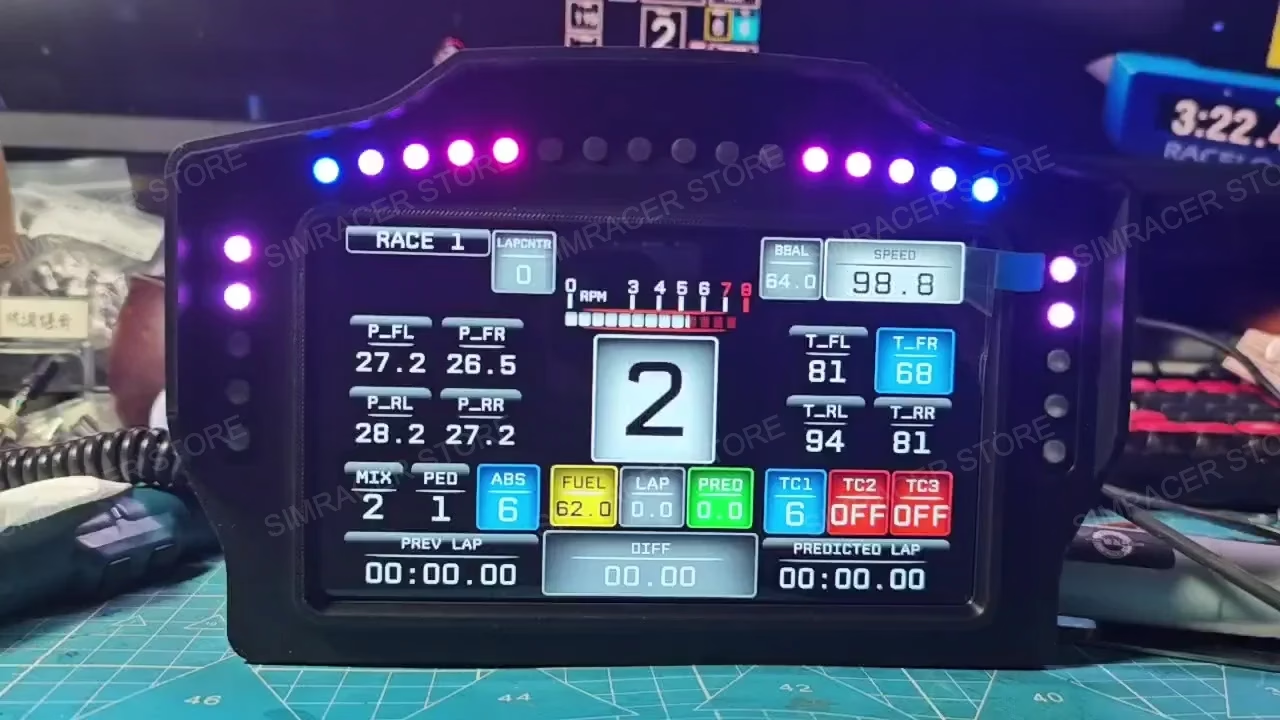
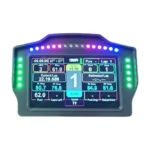
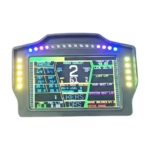
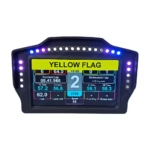
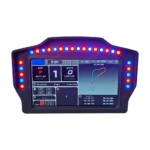
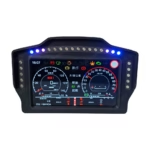
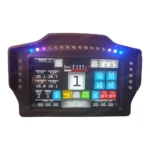
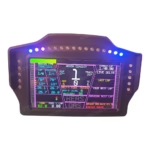
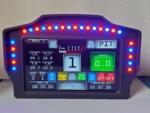
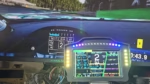
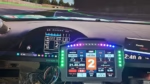
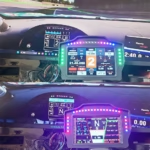
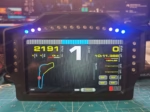
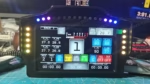
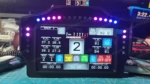
–Name: 7-inch multifunction racing meter
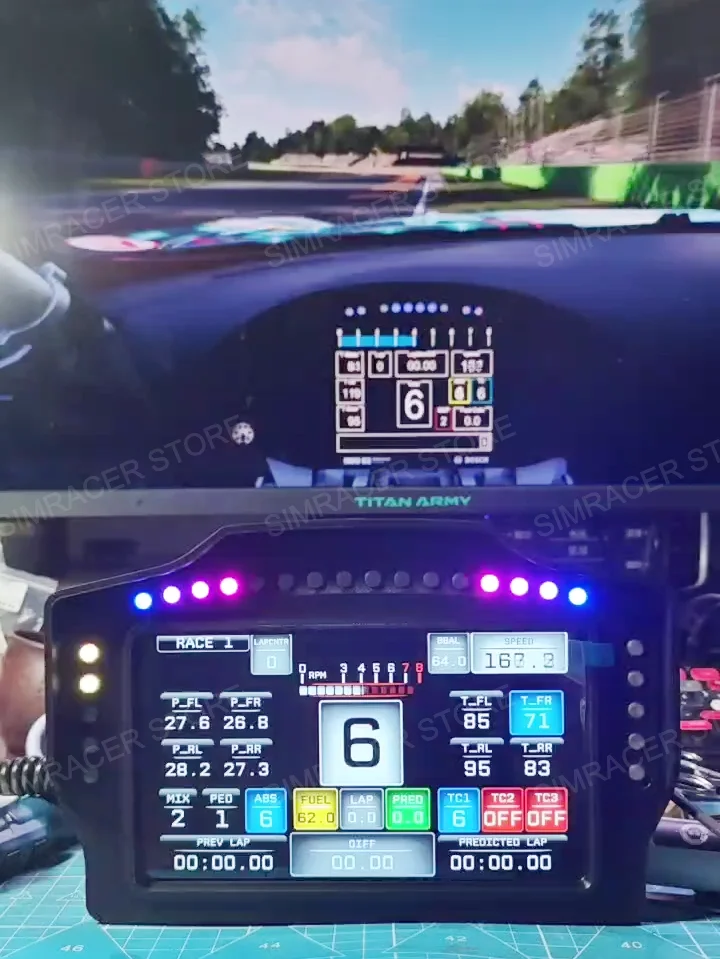
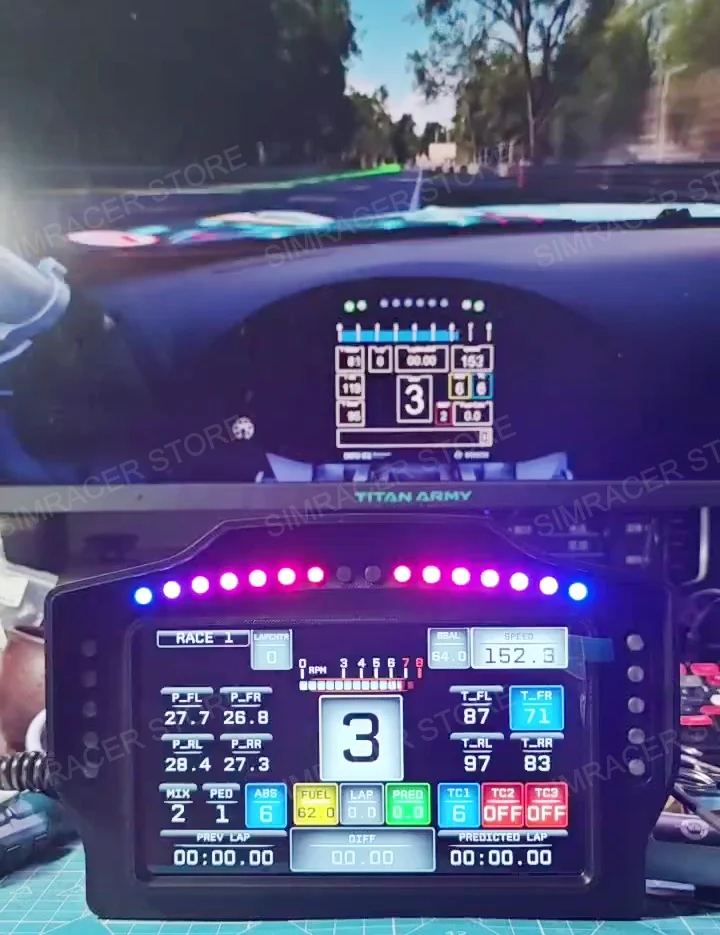
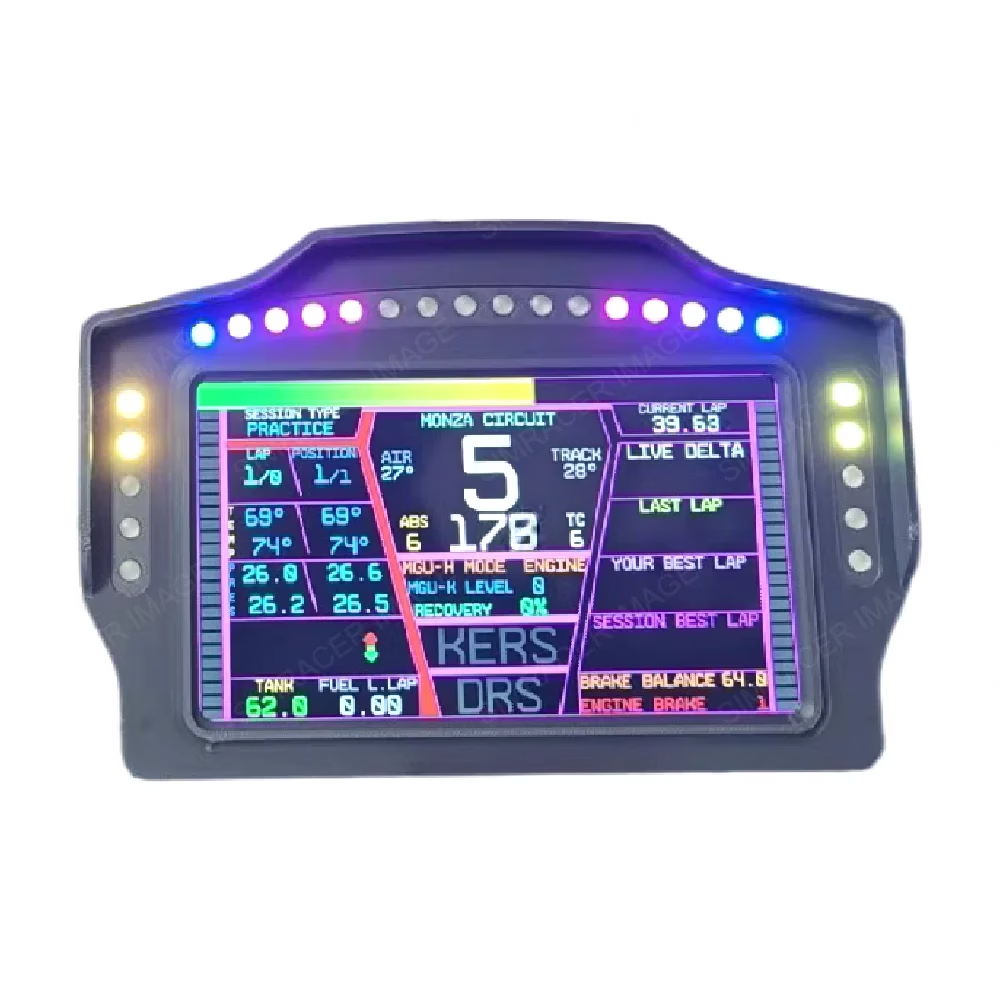
–7 inch IPS1024*600 high resolution screen, 500NIT brightness
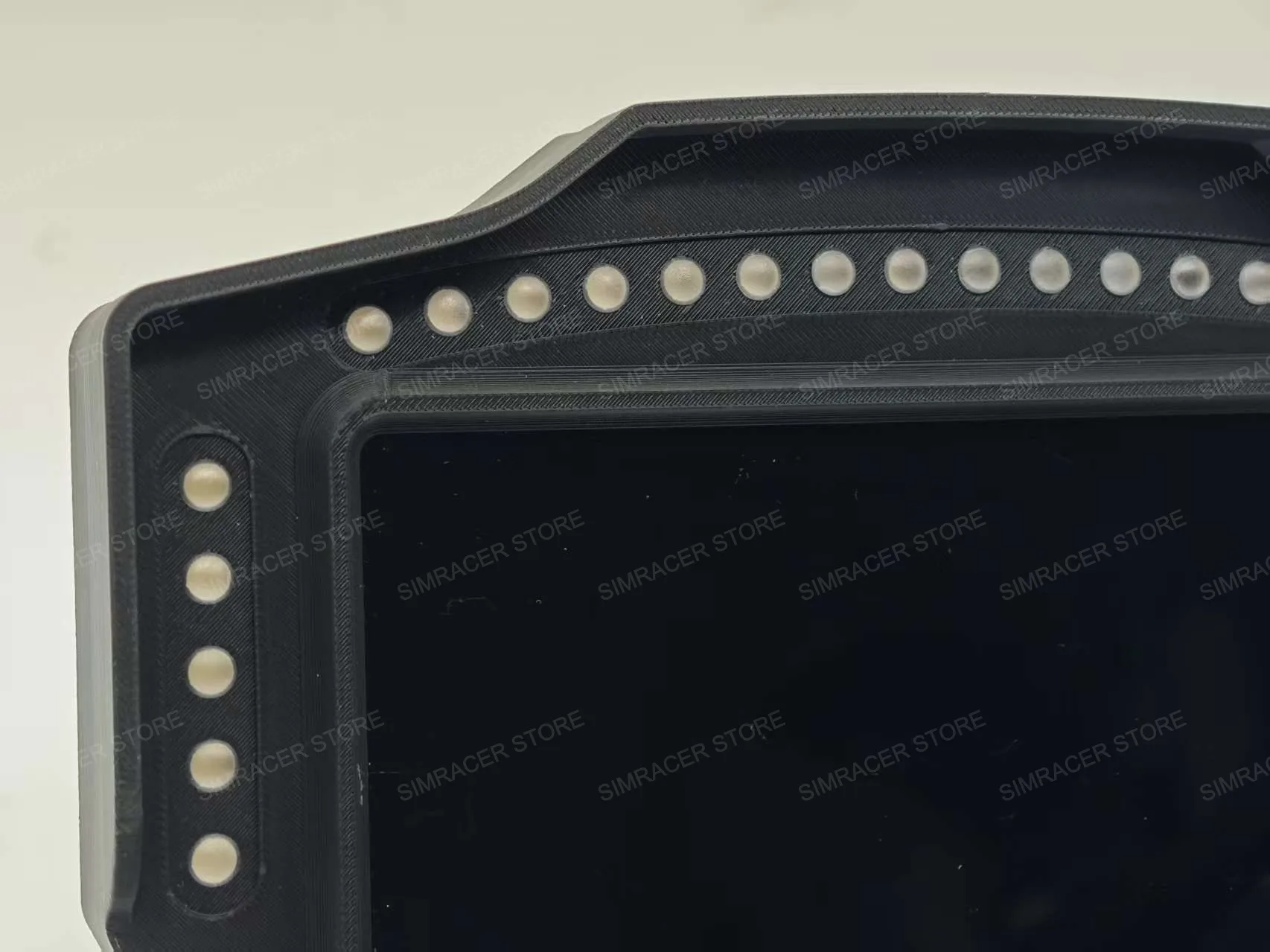
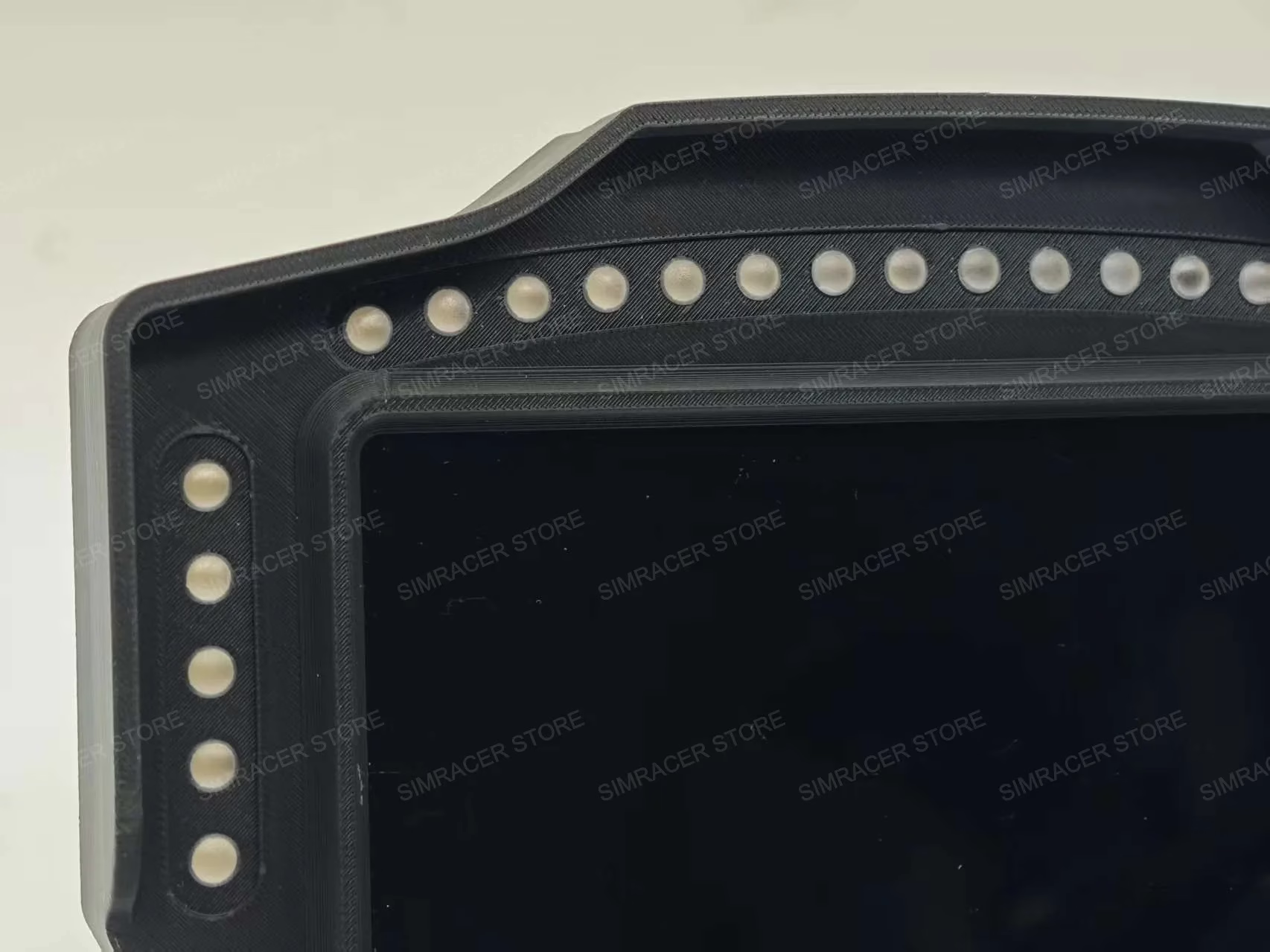
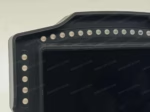
–26pcs RGB-LED full color light beads (Individual LED beads)
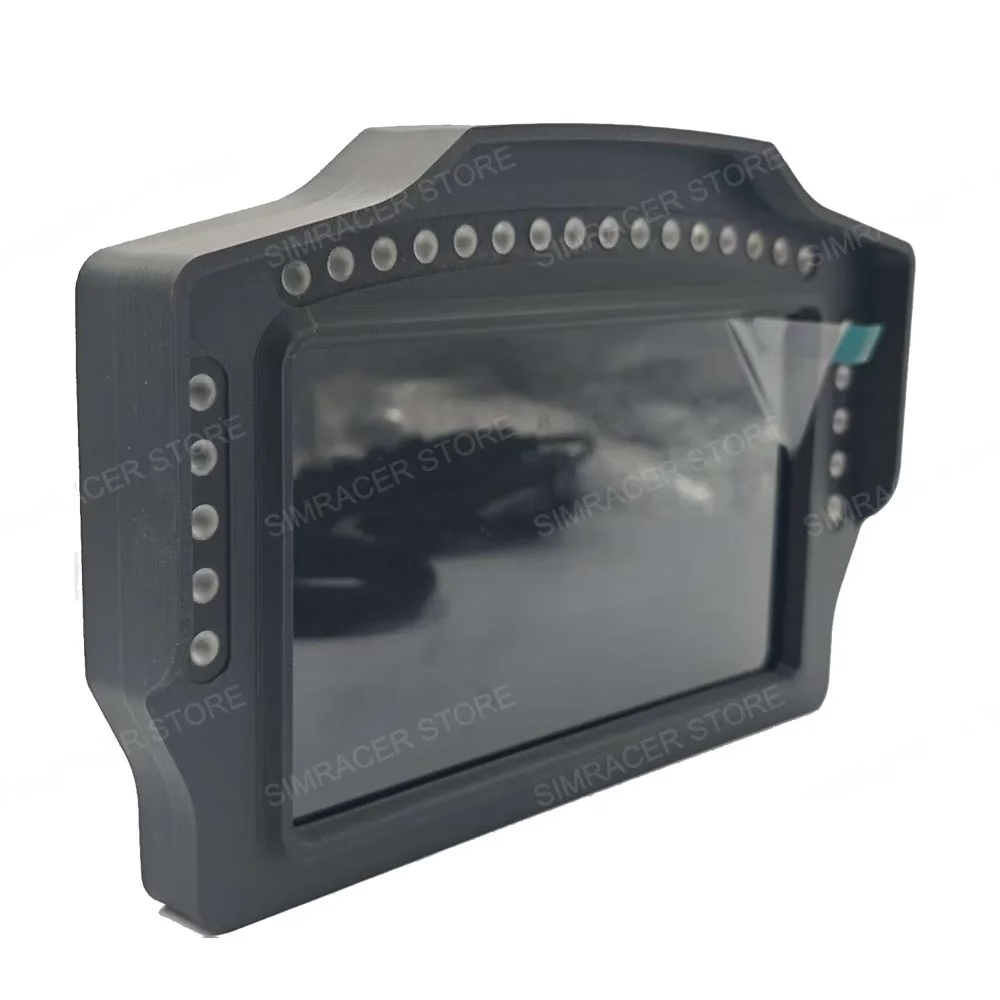
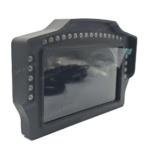
–Exterior size: 215*140*27.5mm
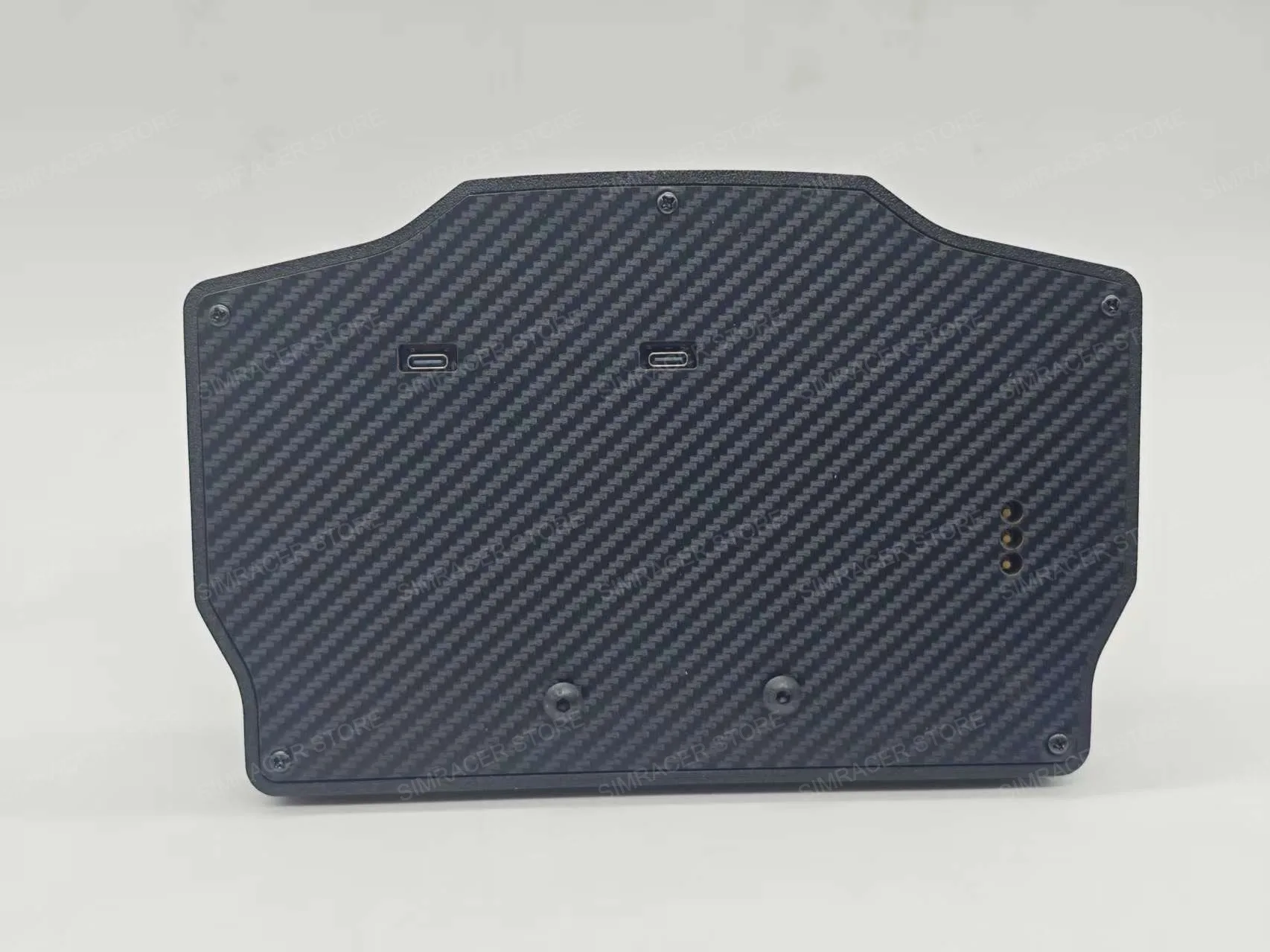
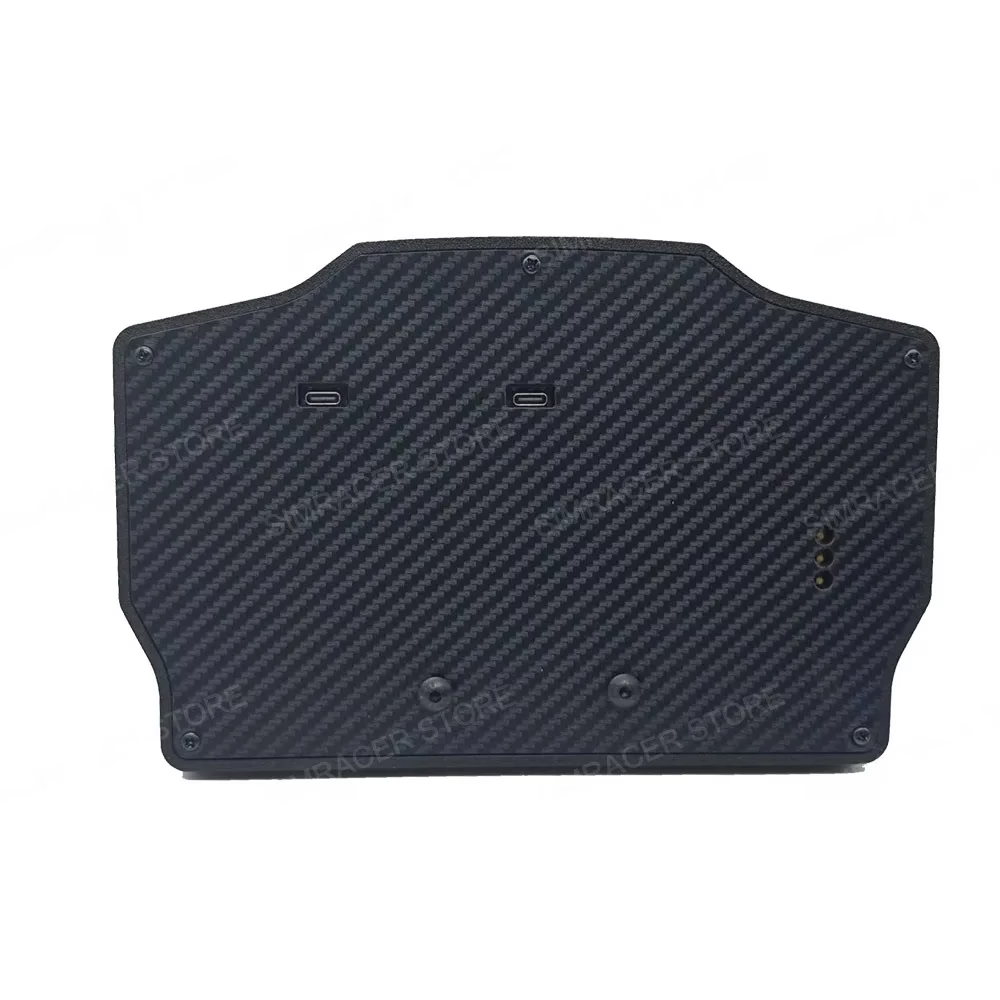
–Power supply: 5V 1A
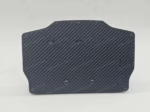
–Shell material: high-precision 3D printing
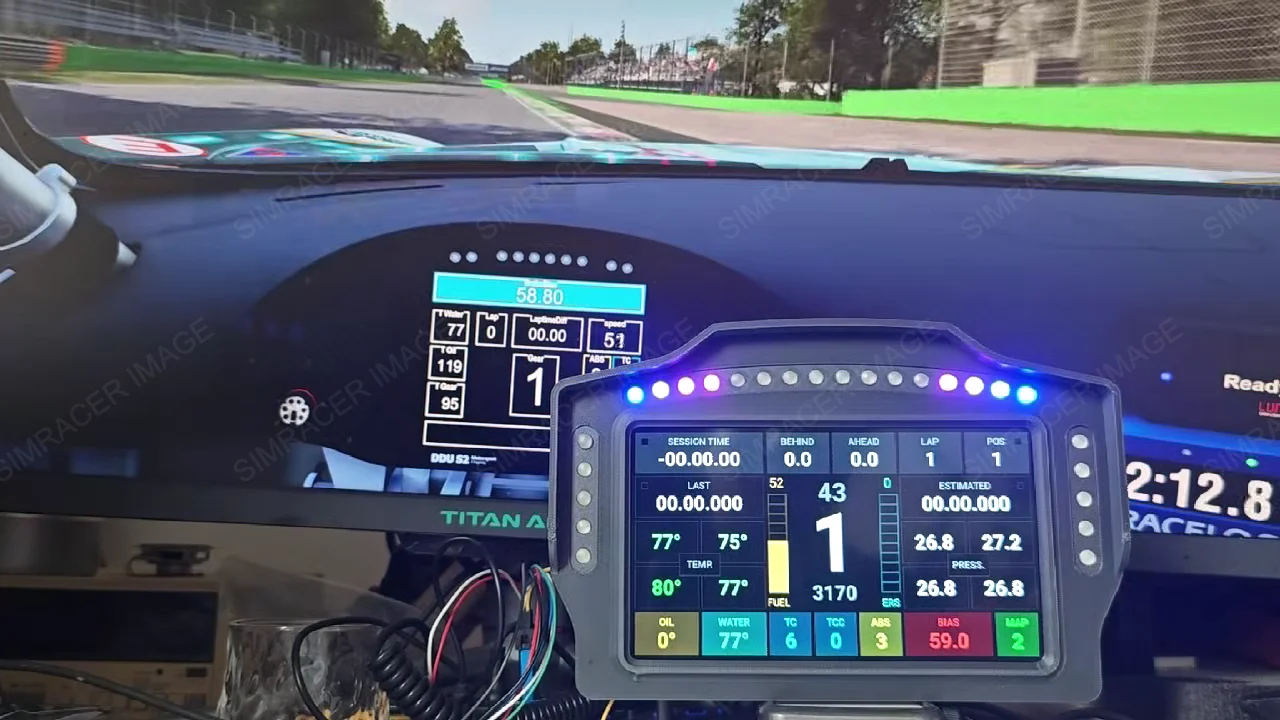
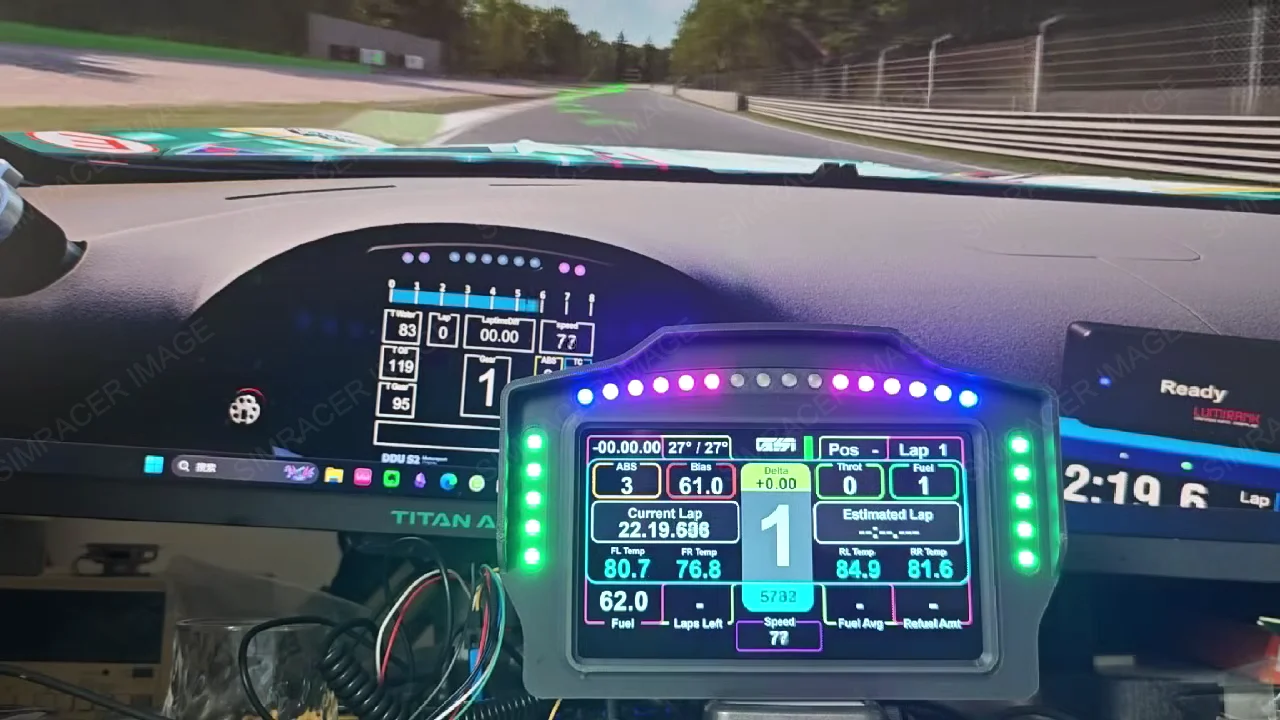
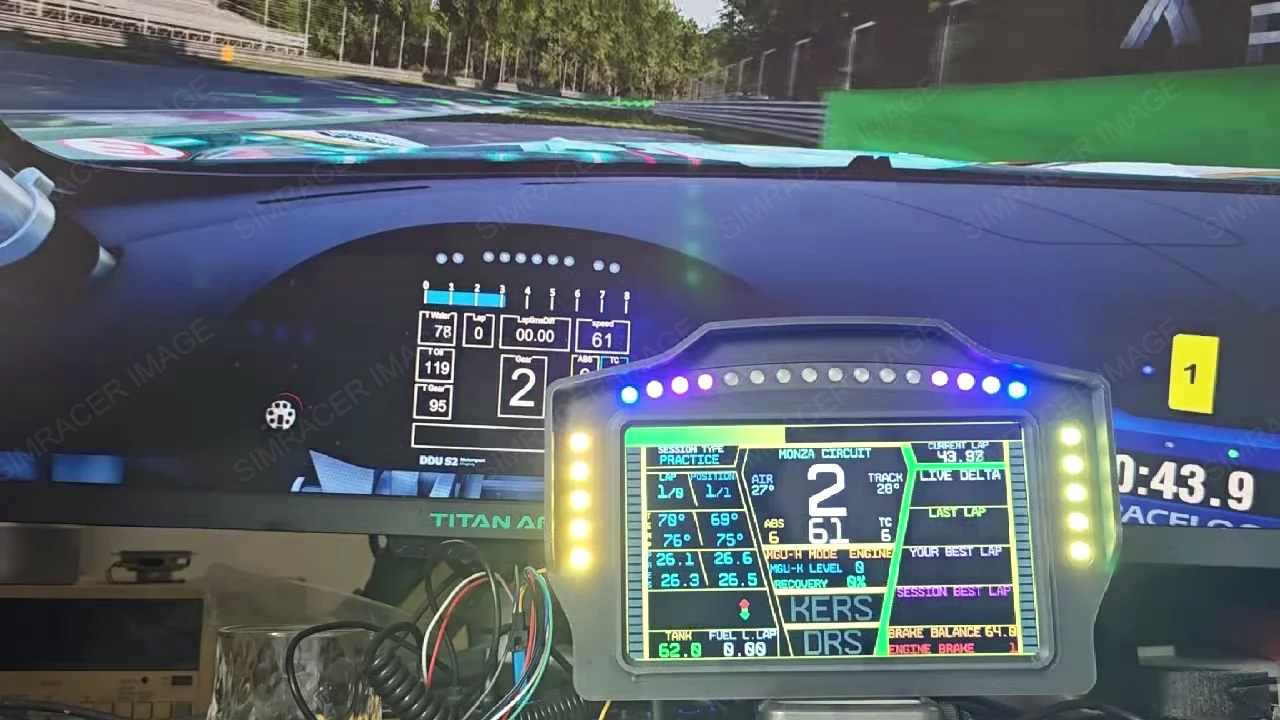
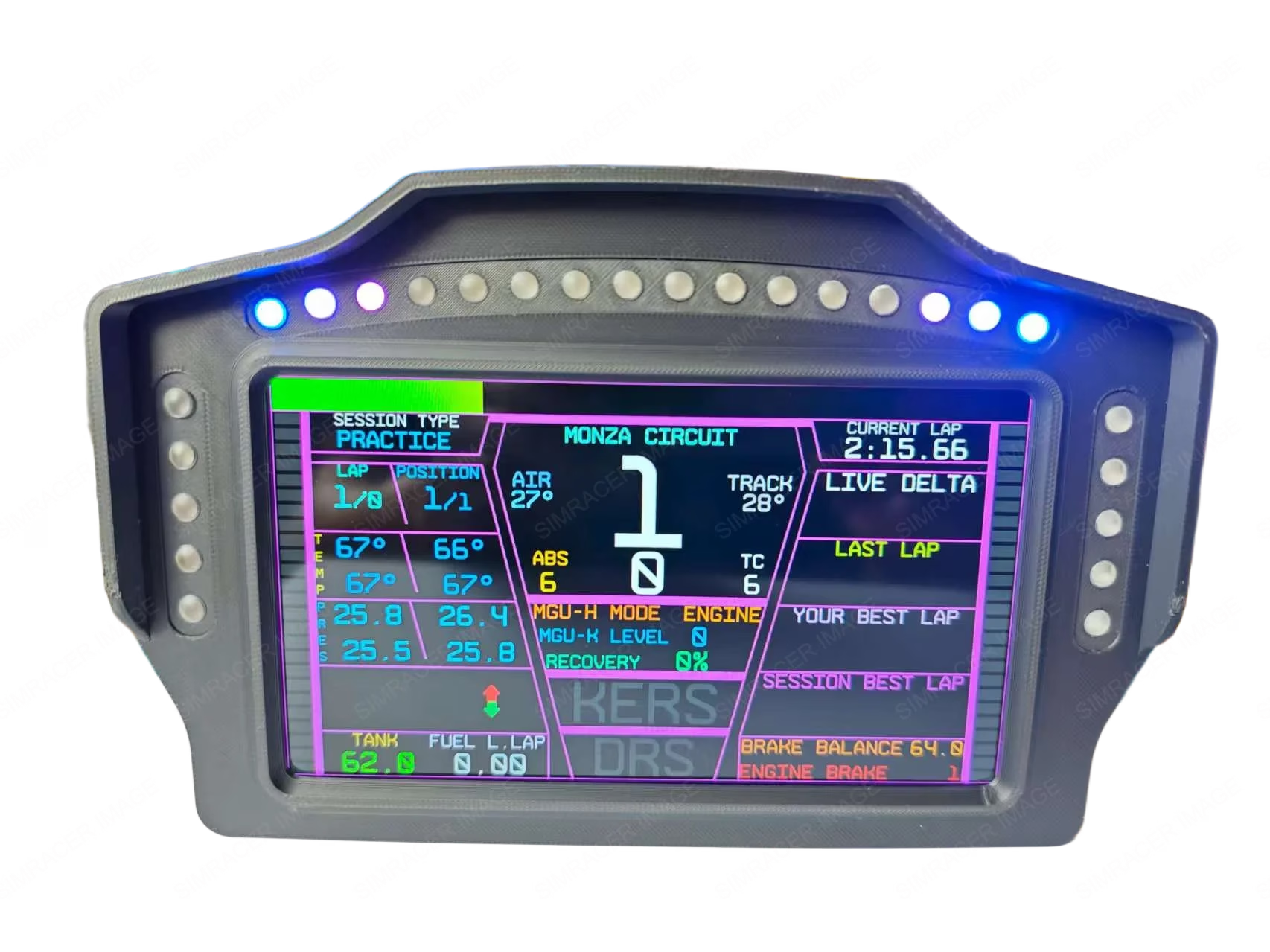
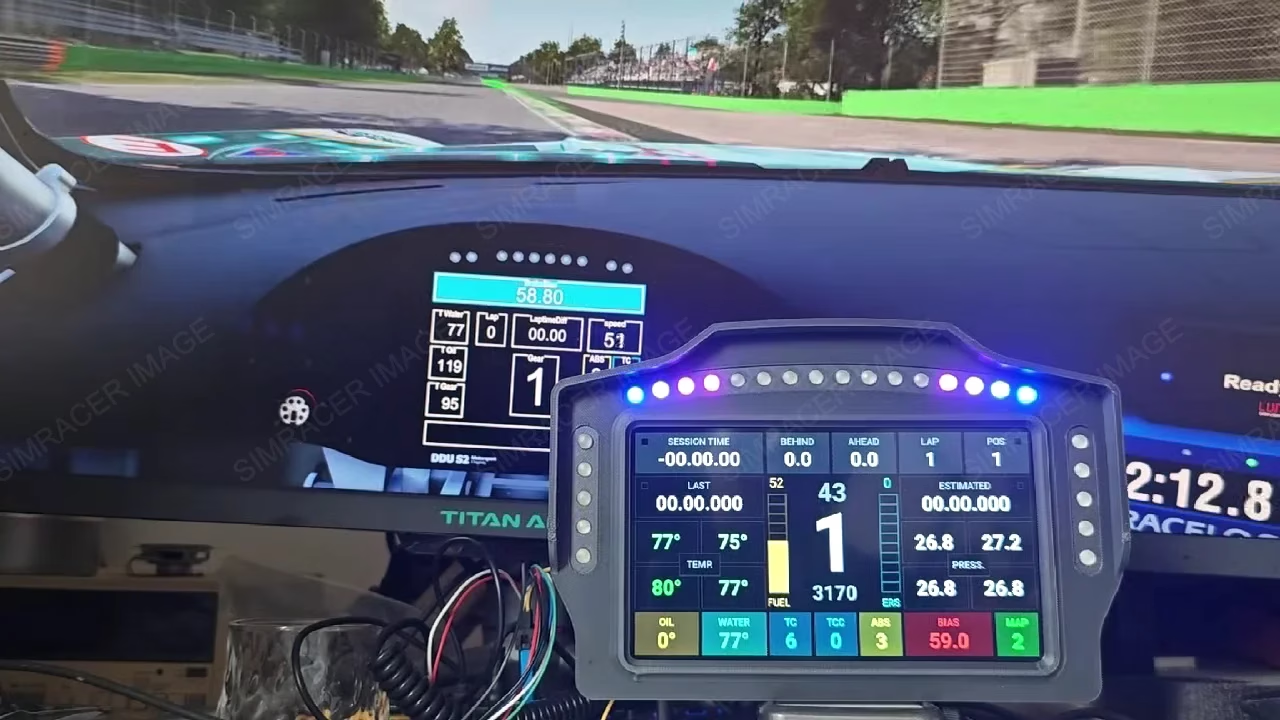
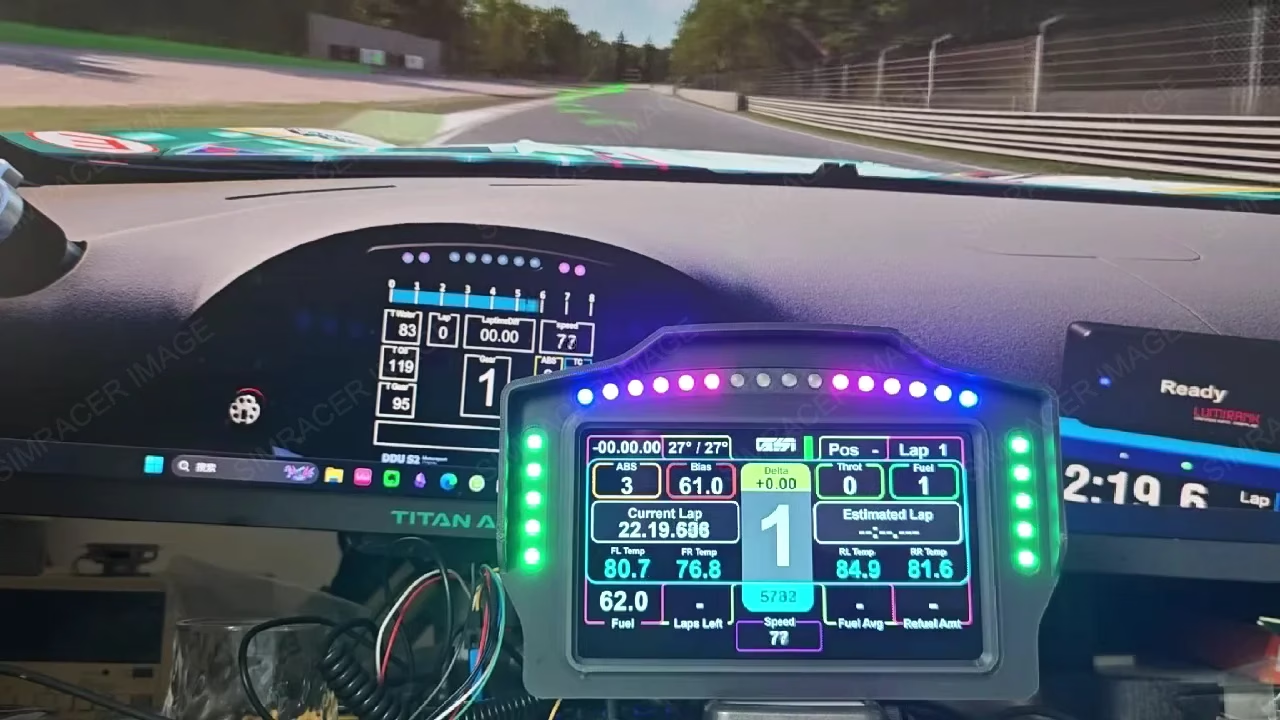
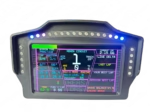
–USB interface, support simhub customized adjustment parameters, real-time display of RPM, semaphore, steering, TC, ABS, DRS and many other functions
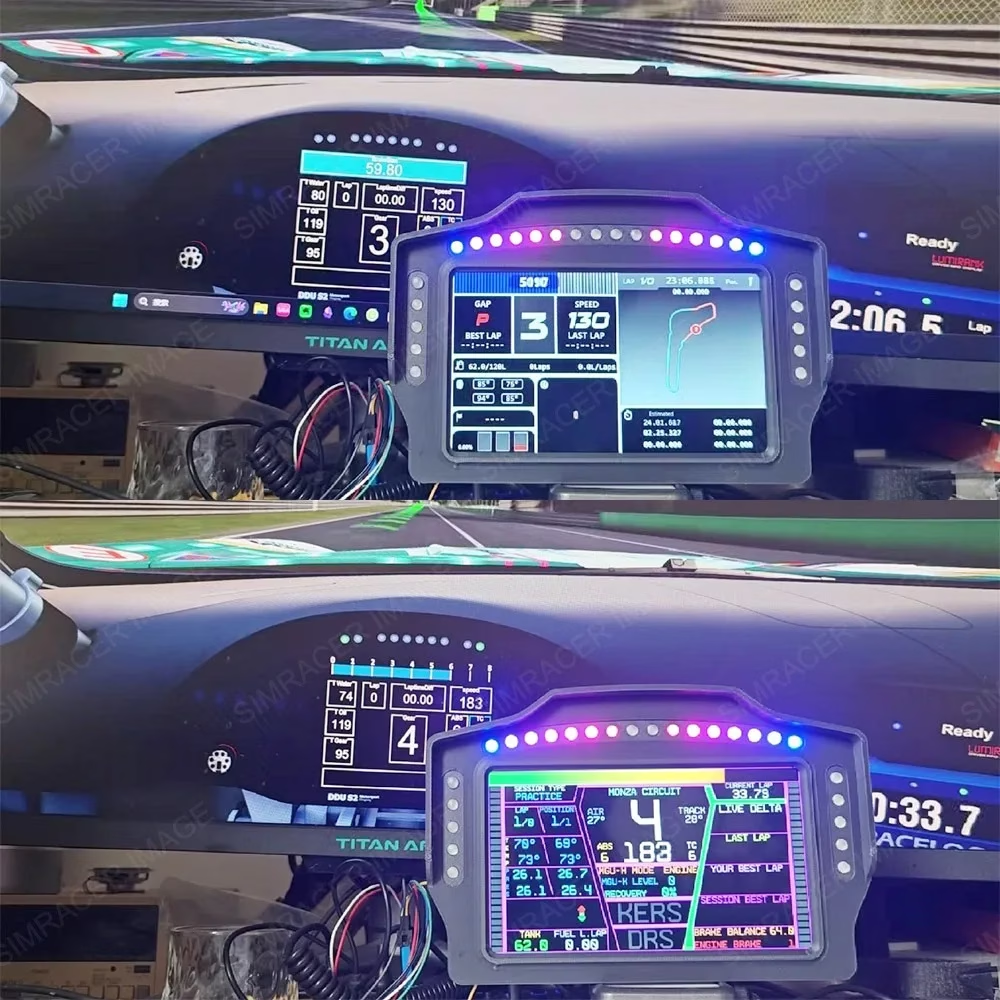
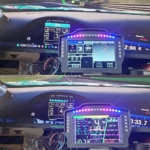
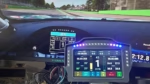
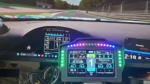
–Expansion screen: the instrument can also be expanded to a computer monitor, sub-screen when you are not playing games, super playable.
–Applicable to various simulation racing games such as GT, Rally, F1, etc. Deeply compatible with simhub, connect to become a simhub device, easier to use. games and dials supported by SIMHUB are available.
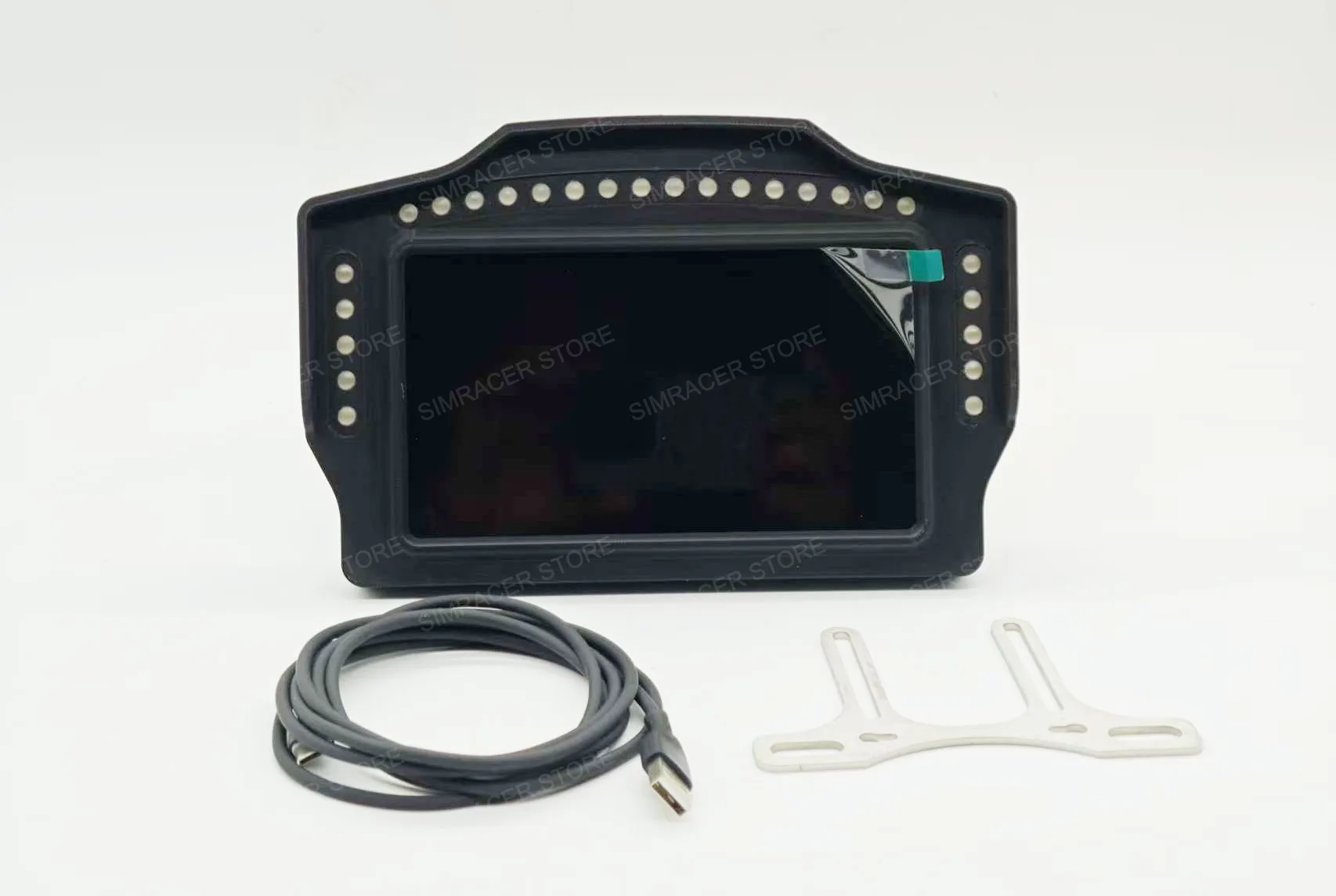
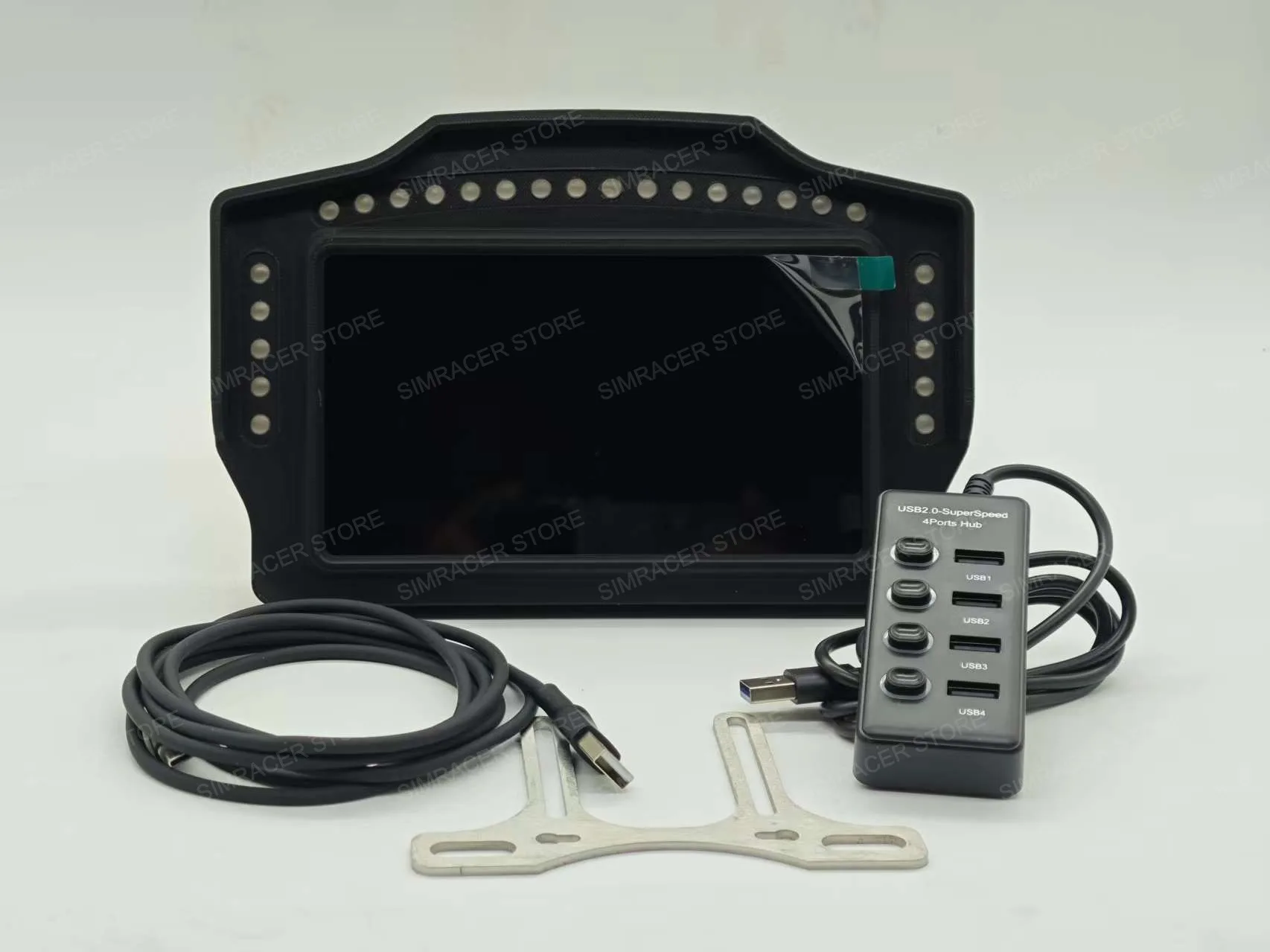
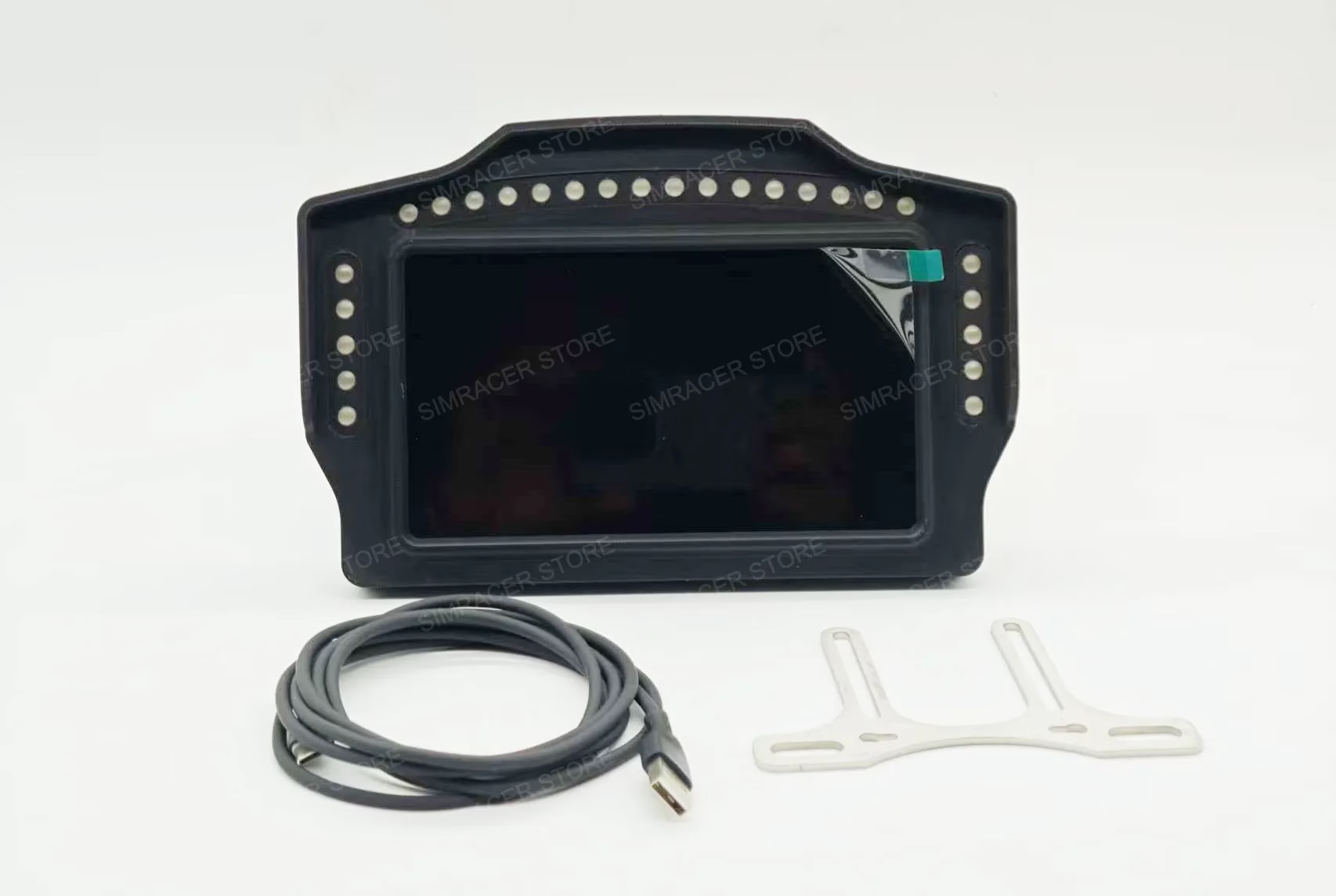
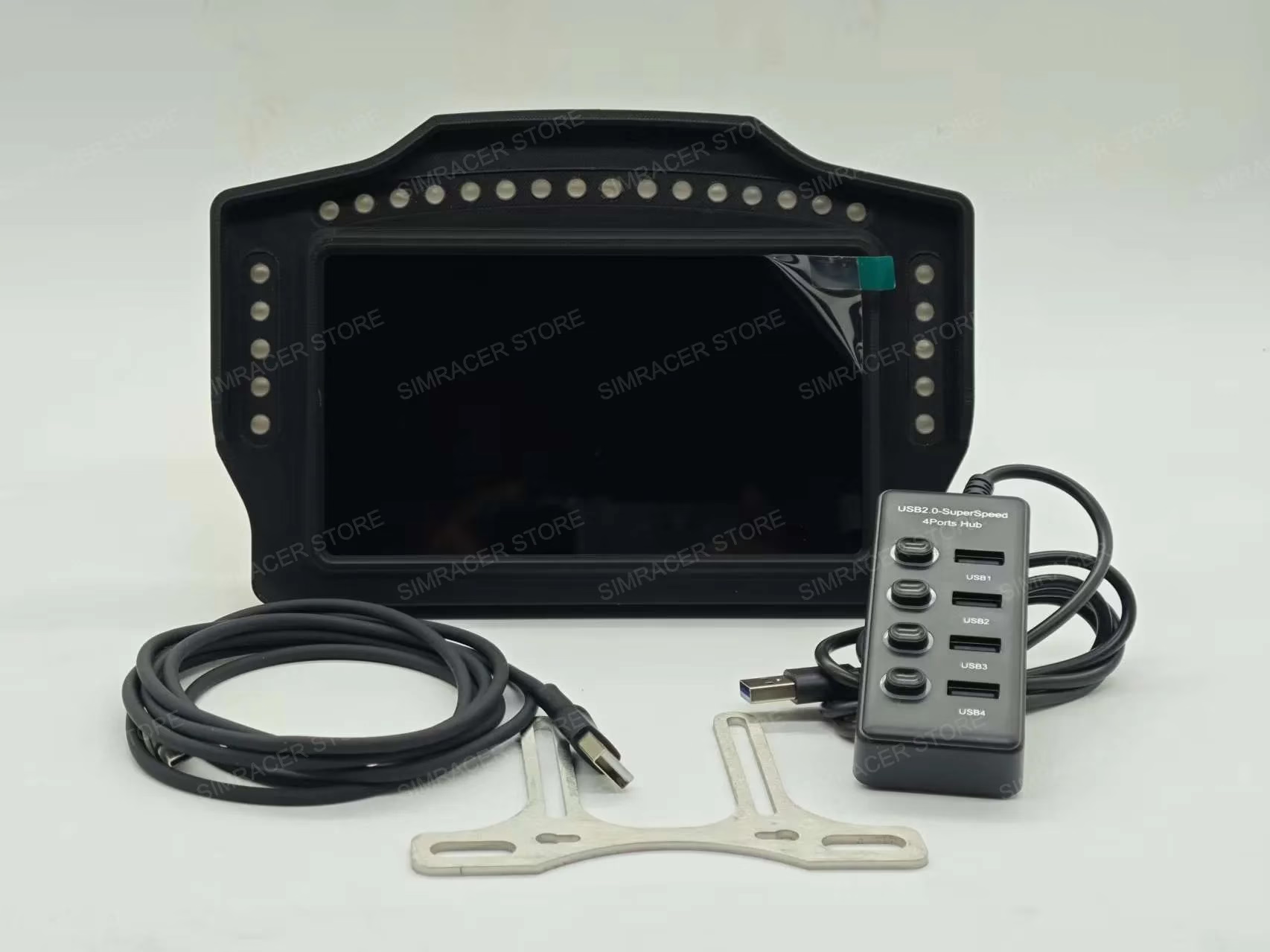
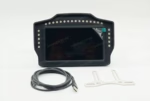
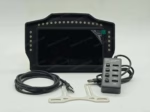
–Meter and accessories: 7-inch meter *1, USB cable *1;
–Gift :Meter bracket *1, divided into bending type (support MOZA) and straight piece type (support SIMAGIC, DIY servo full system, Fanatec) two choice 1.
*Tip:
–If you are MOZA base, please select the bracket for MOZA; if you are FANATEC, SIMAGIC or other brand base, please select the bracket for other or DIY.
—The bracket and USB-HUB are just for more convenient for you to install and use,belongs to our gifts to you, and not in the scope of product accessories.
–The bracket and USB-HUB may not be perfect, individual bracket will have a few scratches or sharp edges, and even not yet suitable for your base yet, please do not give us bad comments about our products because you are not satisfied with the giveaway, we are just trying to make you have a better experience and provide you with the convenience.Please do not order if you mind,please know!
Attention:
–First time use, connect the meter to USB, because the meter uses more power, it is recommended to connect to USB-HUB with independent power supply;
–Installation of the driver: open the computer “Device Manager”, in the “other devices” to see if there is a driver device, find the USB_Display, right-click to update the driver, to find their own computer driver storage location, click on the next step can be installed. After finishing, the meter will be displayed as a secondary screen of your computer.
–SIMHUB meter import: in the meter workstation, import the dashboard, in the target screen selection box, select the No. 2 meter display can be, and then import the simhub device file (please chat to the customer service of the store and leave your email address Or download via Google Cloud Link)
*If the meter has version upgrade, we will send the latest version by default.